
HP OmniBook 5 14-Inch Review for Students (2026 Guide)
The OLED screen, low weight and long battery life are compelling—but “OmniBook 5 14” now describes several different Snapdragon and Intel laptops. The right one depends on price and, above all, whether your course software works on its processor platform.
The 2025 Snapdragon-based HP OmniBook 5 14-he0000 combines the portability, quiet operation and endurance students want. In 2026, HP also lists a newer Snapdragon X2 Plus 14-he1000 and a separate Intel 14-kf0000. They share a name, not identical hardware.
Quick verdict
 OmniBook 5 Flip 14 Core 7
$589.00
OmniBook 5 Flip 14 Core 7
$589.00
 OmniBook 5 Flip 14 + Stylus
$489.97
OmniBook 5 Flip 14 + Stylus
$489.97
 OmniBook 5 Flip 14 Core 7
$649.99
OmniBook 5 Flip 14 Core 7
$649.99
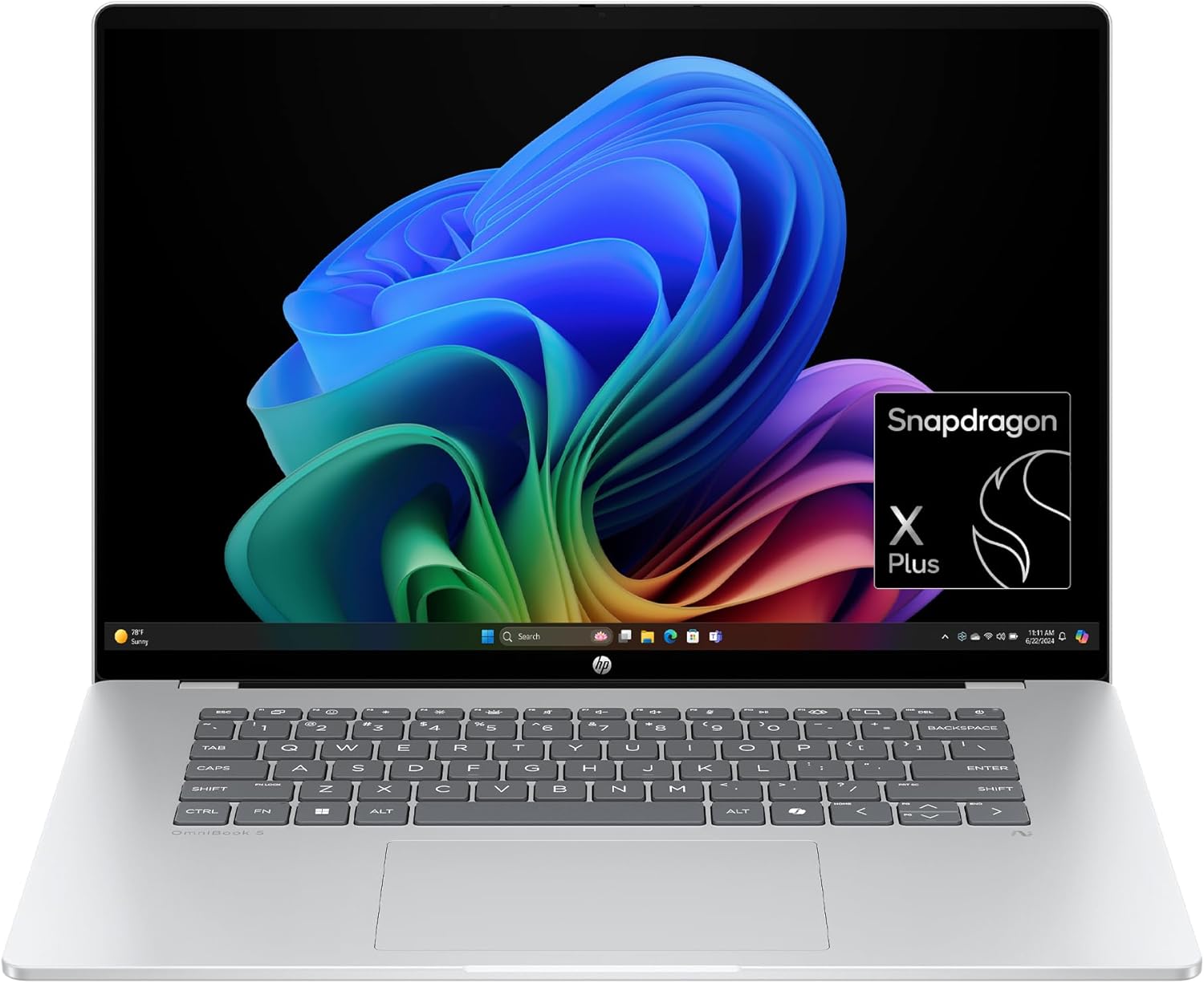 OmniBook 5 16 Snapdragon
$698.99
OmniBook 5 16 Snapdragon
$698.99
 OmniBook X Flip 14
$649.00
OmniBook X Flip 14
$649.00
 OmniBook 5 Flip + USB Hub
$579.99
OmniBook 5 Flip + USB Hub
$579.99
 OmniBook 5 14 OLED
$649.99
OmniBook 5 14 OLED
$649.99
 OmniBook X Flip AI PC
$629.00
OmniBook X Flip AI PC
$629.00
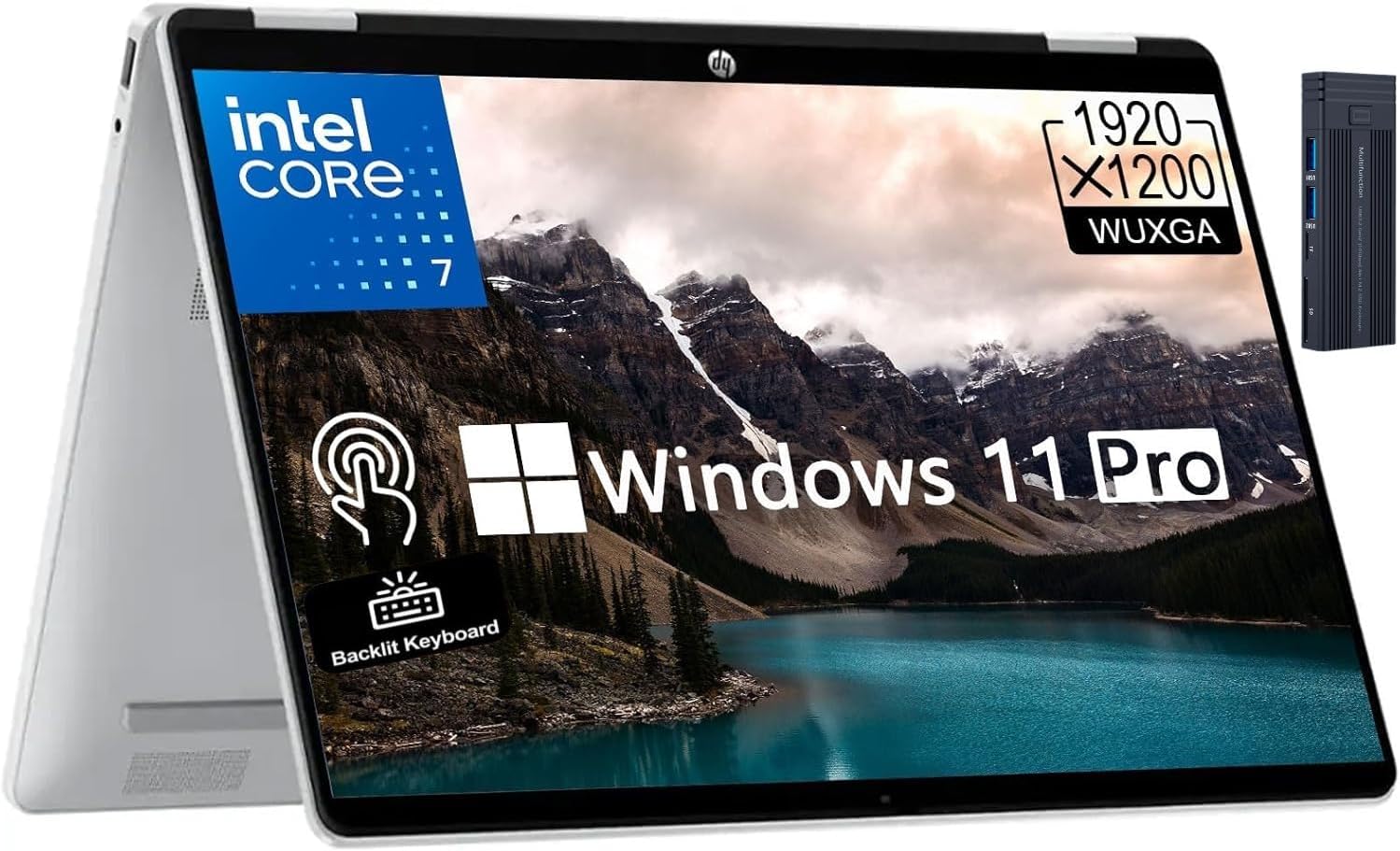 OmniBook 5 Flip 14 2K
$749.99
OmniBook 5 Flip 14 2K
$749.99
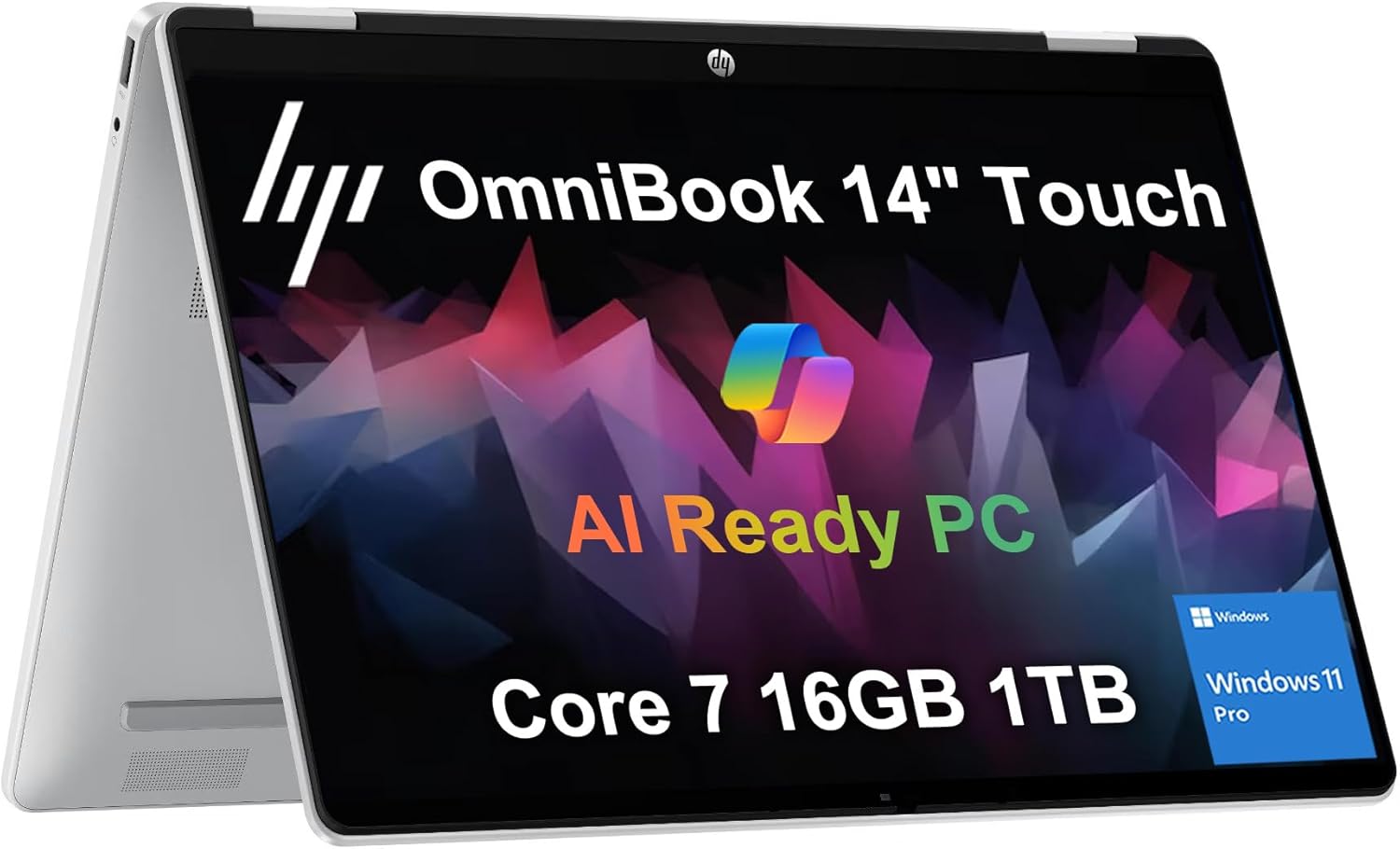 OmniBook 5 Flip 1TB
$799.99
OmniBook 5 Flip 1TB
$799.99
 Sponsored Ad – Amazon.com
Which HP OmniBook 5 14-inch is this?
This guide covers current student-relevant configurations, not one fictional 2026 model. HP dates the Snapdragon 14-he0000 to May 2025 and the Snapdragon X2 Plus 14-he1000 to March 2026. The 14-kf0000 is a different 2026 Intel design.
2026 OmniBook 5 14 model-family map
Swipe or scroll sideways to compare every column.
| Family | Status | Platform | Typical display / memory | Student implication |
|---|---|---|---|---|
| 14-he0000 | May 2025; still sold | Snapdragon X / X Plus; Arm64 | 1920 × 1200 OLED; 16GB or 32GB onboard | Best documented value; verify Arm support |
| 14-he1000 | March 2026; rollout varies | Snapdragon X2 Plus; Arm64 | 2K OLED; 16GB or 32GB LPDDR5x | 80-TOPS NPU; price and apps decide |
| 14-kf0000 | 2026 Intel family | Core Series 3; x86-64 | Up to 2880 × 1800 OLED; onboard LPDDR5x | Safer legacy compatibility; battery varies |
Primary reviewed configuration and specifications
Our reference is the configuration reviewed by The Verge: Snapdragon X Plus X1P-42-100, 16GB, 512GB and a 14-inch OLED at a stated US$699.99. Other he0000 SKUs use different chips, memory and panels.
HP OmniBook 5 14-he0000: reviewed student configuration
Swipe or scroll sideways to compare every column.
| Component | Reviewed configuration | What varies | Why it matters for students |
|---|---|---|---|
| Processor | Snapdragon X Plus X1P-42-100, 8-core Arm64 | Snapdragon X and newer X2 Plus also exist | Fast everyday work; architecture controls compatibility |
| Graphics / NPU | Adreno X1-45; Hexagon NPU up to 45 TOPS | Intel and X2 hardware differs | Light creation, not gaming or CUDA |
| Memory | 16GB onboard LPDDR5x | 16GB or 32GB | 16GB suits mainstream study; no later upgrade |
| Storage | 512GB PCIe NVMe SSD | 256GB, 512GB and 1TB listings exist | 512GB avoids the tightest space constraints for apps and offline files |
| Display | 14-inch 1920 × 1200 60Hz non-touch OLED; about 300 nits in this unit | Touch, 120Hz and 3K SKUs exist | Excellent indoor contrast; reflective and only 60Hz |
| Camera / audio | 1080p IR webcam, shutter, dual mics/speakers | Regional variation | Windows Hello; weak speakers |
| Ports | 2 × USB-C 10Gbps/charging/DP 1.4a; USB-A 10Gbps; audio | No HDMI, Ethernet or card reader | A hub may be needed |
| Wireless | Wi-Fi 6E; Bluetooth 5.3 | Later platforms may differ | Strong current connectivity, though not Wi-Fi 7 |
| Battery / charger | 59Wh; typically 65W USB-C adapter | Bundle and regional plug vary | Long endurance; either USB-C port can charge the laptop |
| Size / weight | About 311.9 × 217.4 × 12.7mm; about 1.29kg / 2.85lb | Small SKU tolerances apply | Easy to carry daily without sacrificing a usable 14-inch workspace |
| OS / warranty | Windows 11 Home; often one year | Varies by seller/market | Check returns and local service |
Snapdragon or Intel: which is better for students?
Snapdragon favors efficiency; Intel favors compatibility. Windows 11 on Arm runs many native apps and translates many x86/x64 user-mode apps through Prism. Translation is not universal: Microsoft’s Windows Arm FAQ requires Arm64 drivers. Some VPNs, peripherals and anti-cheat systems can therefore fail even when an app opens.
Snapdragon vs Intel OmniBook 5 14
Swipe or scroll sideways to compare every column.
| Feature | Snapdragon he0000 / he1000 | Intel kf0000 | Why students should care |
|---|---|---|---|
| Architecture | Arm64 | x86-64 | Architecture—not the Windows logo—determines app and driver compatibility |
| Current chips | X/X Plus; newer X2 Plus | Core Series 3, including Core 7 350 | Never transfer benchmark claims between chips |
| NPU | 45 TOPS on X/X Plus; 80 TOPS on X2 Plus | 17 NPU TOPS on Core 7 350 | The listed Core 7 350 falls below Microsoft’s 40-TOPS Copilot+ threshold |
| Compatibility | Native apps plus emulation; Arm64 drivers required | Broader legacy app/driver support | Intel is safer when software is unknown |
| Battery / noise | Strong efficiency; usually quiet | Configuration-dependent | Snapdragon favors unplugged general study |
| Gaming | Limited library and anti-cheat compatibility | Broader library, but integrated graphics are still not a gaming GPU | Serious gamers should choose a discrete-GPU laptop |
Design, display, keyboard and ports
The he0000 is slim, subdued and backpack-friendly. Its metal lid/base looks better than many budget machines, though this is not a workstation chassis. Use a sleeve to protect the glossy OLED.
The 1920 × 1200 OLED is the headline feature. IT Pro measured 299cd/m², 99% DCI-P3 and average Delta E 1.63 on its unit. Results vary by panel; the common 60Hz screen is less fluid than 90/120Hz rivals, reflects bright windows and lacked HDR in The Verge’s unit. Keep screen-off and panel-care features enabled.
The keyboard suits essays, but backlighting varies and the cheapest Verge unit omitted it. Its spacious touchpad had a distracting pre-click sensation. The 1080p IR webcam and shutter help with calls and Windows Hello; weak speakers make headphones worthwhile.
Two USB-C ports, USB-A and audio cover basics, but there is no HDMI, Ethernet or card reader. Budget for a reputable hub and validate your monitor/dock resolution and refresh rate.
Performance for real student work
The X1P-42-100 handles Office, tabs, PDFs, streaming and calls, but it is not an X Elite. The Verge found its 16GB unit solid for light work yet sluggish under heavier multitasking. TechRadar’s 32GB/1TB X Plus unit also favored everyday productivity over demanding creation.
Native Arm64 VS Code, Git, Python, Java and Node.js support introductory coding. Docker works, but images need Arm64 builds or accept emulation. Check required VMs, database drivers and architecture-specific tools.
Photoshop and current Adobe video tools have native Arm versions; DaVinci Resolve and Blender are also available. Integrated Adreno graphics and thin cooling suit light photo and short video work, not heavy effects or 3D rendering.
Student software compatibility
Swipe or scroll sideways to compare every column.
| Software / workload | Snapdragon Windows on Arm | Expected performance | Recommended RAM / storage | Important limitation |
|---|---|---|---|---|
| Word, Excel, PowerPoint, OneDrive | Native Arm64 | Strong | 16GB / 512GB | Check advanced add-ins and connectors |
| Google Workspace, Classroom, research | Browser-native | Strong | 16GB / 256–512GB | Browser extensions and proctoring tools can still matter |
| Teams, Zoom, Meet | Supported | Strong; efficient video calls | 16GB / 512GB | Background effects increase power use |
| VS Code, Python, Java, JavaScript | Good support | Strong for learning | 16GB / 512GB+ | Check native packages and course binaries |
| Docker / virtual machines | Conditional | Good with Arm64 images | 32GB / 1TB | x86 or legacy VM needs may fail |
| MATLAB R2026a | Prism emulation | Supported coursework | 16–32GB / 512GB+ | Some interfaces remain limited |
| AutoCAD, Civil 3D, Revit | High risk | Not a safe assumption | Follow official requirements | Autodesk generally does not support Windows Arm |
| SolidWorks | Not recommended | Wrong primary CAD platform | x86 workstation; 32GB+ | Requirements favor x86/certified GPUs |
| Photoshop / Lightroom | Supported | Good for moderate work | 16–32GB / 512GB–1TB | Large catalogs and effects expose GPU/thermal limits |
| Premiere Pro / DaVinci Resolve | Native versions | Light 1080p / modest 4K | 32GB / 1TB | Heavy effects need stronger GPU/cooling |
| Local AI / ML | Small-scale | Compatible inference | 32GB / 1TB | No CUDA; framework support matters |
| PC gaming | Limited | Older/light compatible titles | 16GB / 512GB+ | Arm compatibility and anti-cheat matter as much as graphics speed |
Battery life: claim versus evidence
HP advertises up to 34 hours for a specific X1-26-100, 16GB/512GB, non-touch OLED configuration. Its test is continuous local FHD video at 200 nits with wireless disconnected—not web research, Zoom and syncing.
TechRadar measured 16 hours 2 minutes on a higher-spec X Plus unit. IT Pro reached 20 hours 40 minutes but listed 65Wh where current he0000 documentation says 59Wh, so do not average them. The Verge’s 16GB/512GB unit lasted a mixed day into evening without a standardized figure.
HP advertises 50% charging in about 30 minutes under qualifying fast-charge conditions. Charging through USB-C is convenient, though the two same-side ports mean a dock or charger occupies part of the limited I/O. The internal fan is present but independent use reports describe it as rarely audible during ordinary work; sustained creation can increase fan activity and reduce peak performance.
Memory, storage and upgradeability
LPDDR5x memory is onboard and not upgradeable. The he0000’s single M.2 NVMe SSD is replaceable, but there is no second bay; replacement means opening the laptop and cloning or reinstalling Windows. An external SSD is simpler for archives.
Recommended student configurations
Swipe or scroll sideways to compare every column.
| Student type | Memory | Storage | Recommended platform | Reason |
|---|---|---|---|---|
| General, humanities, education | 16GB | 512GB | Snapdragon if apps are confirmed | Best balance of multitasking, space, weight and battery |
| Business / accounting | 16GB | 512GB | Intel if add-ins are unknown | Niche finance tools may not support Arm |
| Computer science / IT | 16GB; 32GB for VMs | 512GB–1TB | Intel safer for x86 labs | Toolchains and VMs consume resources |
| Photography / media | 32GB | 1TB or external SSD | Either if apps are native; compare GPU alternatives | Large source files and caches fill 512GB quickly |
| Engineering / architecture | At least 16–32GB | 1TB | Usually Intel/x86 or a discrete-GPU workstation | Certified software support is more important than battery |
| AI / heavy local analysis | 32GB | 1TB | Often a CUDA laptop or cloud service instead | NPU features do not make this a training workstation |
A 256GB SSD can serve browser-first students, but Windows, apps and offline classes consume space. Cloud storage does not remove cache or backup needs. For most buyers, 16GB/512GB is the minimum target; 32GB/1TB is a workload choice, not automatic “future-proofing.”
Copilot+, AI features and privacy
Snapdragon X/X Plus meets Microsoft’s Copilot+ PC baseline of a 40-TOPS-or-greater NPU, 16GB memory and 256GB storage. The 2026 X2 Plus raises the NPU figure to 80 TOPS. By contrast, the listed Intel Core 7 350’s 17-TOPS NPU does not make that configuration a Copilot+ PC.
Useful features can include Studio Effects for calls, live captions and supported on-device tools. Availability depends on Windows version, language, region, hardware and school policy. Recall is optional and opt-in where available; managed devices may disable it. HP AI Companion also varies by model, and HP says its on-device mode requires 32GB, so a 16GB listing should not be marketed as having every local feature.
AI can help organize notes or improve accessibility, but it can make factual errors. Follow course rules, cite real sources and never submit generated work as your own.
Suitability by academic major
Which students should choose it?
Swipe or scroll sideways to compare every column.
| Major | Suitability | Configuration | Biggest advantage | Biggest concern |
|---|---|---|---|---|
| Humanities, social sciences, education | Excellent fit | Snapdragon 16GB/512GB | Battery, OLED reading and portability | Check citation manager and exam software |
| Business, accounting, finance | Good with checks | 16GB/512GB; Intel if uncertain | Office, presentations and calls | Excel add-ins and specialist accounting packages |
| Biology, chemistry, general science | Good with checks | 16–32GB/512GB | Research and statistics portability | Lab-device drivers and instrument software |
| Computer science, IT | Conditional | 16–32GB/512GB–1TB | Native VS Code and long battery | x86 labs, VMs, drivers and container images |
| Data science | Entry-level fit | 32GB/1TB if working locally | Python/R/Jupyter and cloud access | No CUDA; large data and models exceed this class |
| Engineering | Often unsuitable on Arm | Prefer x86/discrete GPU after syllabus check | General coding and Office are fine | CAD, simulation, drivers and certified hardware |
| Architecture | Usually avoid Snapdragon | x86 workstation, 32GB+, discrete GPU | OLED is visually attractive | Revit and related professional workflows |
| Graphic design, photography | Good for moderate work | 32GB/1TB | OLED contrast and native Adobe apps | 60Hz, reflections and integrated graphics |
| Media production | Light projects | 32GB/1TB | Portable editing and strong battery | Sustained exports and effects |
Current price, student discounts and refurbished value
Price determines the verdict. The US 16GB/512GB X Plus test model listed at $699.99 and previously reached about $480; an August 2026 report listed a similar configuration at $750. Near $500–$600 its OLED and endurance are much harder to match.
Representative market checks
Swipe or scroll sideways to compare every column.
| Market | Model / configuration | Observed price | Source | Date checked |
|---|---|---|---|---|
| United States | 14-inch OLED, X Plus, 16GB/512GB | US$750 promotional report | Wired | August 13, 2026 |
| United States | 14-inch OLED, Snapdragon X, 16GB/256GB | US$649.99 | Walmart listing | August 13, 2026 |
| United Kingdom | 14-he0004nax, X Plus, 32GB/1TB | £799 sale; £1,099 reference | HP UK | August 13, 2026 |
| Canada | 14-he0010ca, X Plus, 16GB/1TB | C$1,649.99 sale; C$1,899.99 reference | HP Canada | August 13, 2026 |
| Netherlands | 14-he0001nd, Snapdragon X, 16GB/512GB | From €699 across listed shops | Tweakers price comparison | August 13, 2026 |
Prices include different processors, storage, tax treatment and promotions; they are not currency-converted equivalents. Recheck the exact product number immediately before purchase.
HP education programs are regional. Compare the US program, UK store and Australian store with public sales; eligibility and stackability differ.
Refurbished units need a meaningful saving, accurate product number and strong returns. Verify the serial, battery report, charger, OLED, ports, Windows activation and absence of organizational enrollment. Care Pack prices and accidental-damage terms are market/SKU-specific.
Alternatives worth comparing
Compare the ASUS Zenbook 14 OLED, ThinkPad X9 15, MacBook Air and budget laptop guides.
Current alternatives by priority
Swipe or scroll sideways to compare every column.
| Model / reference configuration | Price checked | Main advantage | Main weakness | Best student type | Date / source |
|---|---|---|---|---|---|
| 13-inch MacBook Air M5, 16GB/512GB base | US$1,099; education US$999 | Performance, battery and polished ecosystem | macOS may not support required Windows software | General, creative and coding students with compatible apps | Aug. 13, 2026 · Apple |
| Microsoft Surface Laptop 13, X Plus, 16GB/512GB | US$1,249.99 | More premium fit, touch display and Microsoft hardware | Still Windows on Arm; much higher price | Arm-compatible users wanting a premium Windows ultraportable | Aug. 13, 2026 · Microsoft |
| ASUS Zenbook A14, X Plus, 16GB/512GB | US$699.99 deal | Very low weight and stronger endurance positioning | Same Arm compatibility caveat | Frequent travelers | Aug. 12, 2026 · TechRadar |
| Framework Laptop 13, Ryzen AI 5 platform | From US$1,049 | Repairable, configurable and upgradeable design | Costs more after memory, storage and expansion choices | Long ownership and repairability advocates | Aug. 13, 2026 · Framework |
| Lenovo Legion 5i, Core i7/RTX 5060, 16GB/1TB | US$1,499 deal | Far stronger GPU, gaming and engineering potential | Heavy, costly and shorter-lasting away from power | 3D, CUDA, engineering and gaming students | Aug. 12, 2026 · TechRadar |
| Acer Aspire Go 15, Ryzen 7, 16GB/512GB | From US$549.99 listing | Conventional x86 value and larger screen | Less premium display/build and heavier chassis | Budget students needing broad Windows compatibility | Aug. 13, 2026 · Newegg |
Six realistic student buying scenarios
Secondary-school browser user
Runs web study well; decide whether OLED and battery justify more than a Chromebook.
Humanities university student
An excellent 16GB/512GB fit after checking citation and exam software.
Business student
Office is native; choose Intel for uncertain accounting tools, add-ins or VPNs.
Computer science beginner
Good for common coding; verify x86 VMs and architecture-specific labs.
Engineering or architecture student
Prefer x86/certified graphics unless every required CAD and driver supports Arm.
Creative or media student
Consider 32GB/1TB, then compare a better-cooled discrete-GPU laptop.
Pros and cons
Strengths
- Excellent OLED contrast for the price
- Genuinely strong Snapdragon battery life
- Thin, light and usually quiet
- Comfortable keyboard and useful IR webcam
- USB-A plus two full-function USB-C ports
- Compelling value during deep discounts
Weaknesses
- Product name hides very different platforms
- Arm driver and specialist-app limitations
- 60Hz, reflective, modest-brightness base OLED
- Weak speakers and imperfect touchpad feel
- No HDMI, card reader or Ethernet
- Soldered memory and expensive higher configurations
Student value scorecard
HP OmniBook 5 14-he0000 Snapdragon X Plus, 16GB/512GB
Swipe or scroll sideways to compare every column.
| Category | Score (1–5) | Reason | Important condition |
|---|---|---|---|
| Basic schoolwork / research | 5 | Fast enough, light and long-lasting | Much cheaper laptops can do these tasks too |
| Multitasking | 3 | 16GB is sensible; X Plus is not a leader | 32GB cannot fix a weak platform fit |
| Coding / computer science | 3 | Strong native basics | x86 labs and VM images reduce suitability |
| Engineering compatibility | 2 | General tools work; key professional apps may not | Exact syllabus can reduce this to 1 |
| Creative work | 3 | OLED and native apps help | Integrated graphics and cooling limit heavy work |
| Gaming | 2 | Some light titles work | Library, drivers and anti-cheat are major constraints |
| Display / webcam | 4 | OLED contrast and IR camera are above budget norms | 60Hz, glare and brightness prevent a 5 |
| Ports / upgradeability | 3 / 2 | Useful USB-A; replaceable single SSD | No HDMI/card reader; RAM is soldered |
| Battery / portability / noise | 5 / 5 / 4 | Core strengths of the Snapdragon model | Workload and panel brightness still matter |
| Value at US$500–$600 | 5 | Exceptional OLED/endurance value | Require 16GB/512GB |
| Value near US$750+ | 3 | Premium alternatives enter the comparison | Regional alternatives and discounts decide |
| Overall mainstream student value | 4 | Strong when discounted and compatible | Software check comes before the score |
Which configuration should students buy?
16GB / 512GB Snapdragon X
Choose it for browser, Office and calls when it is deeply discounted and every required app/driver is Arm-compatible.
16GB / 512GB X Plus
The primary configuration is the balanced pick around the lower end of its sale history, not at any price.
16GB–32GB Intel / 512GB+
Prefer the x86 family if departmental software remains unclear, then compare its exact battery and display rather than borrowing Snapdragon claims.
Consider 32GB/1TB for large creative projects, containers or sustained multitasking only after confirming that the processor itself is appropriate. If a maxed-out OmniBook approaches the cost of a faster MacBook, Surface, Zenbook, Framework or discrete-GPU laptop, re-evaluate the whole machine rather than paying large upgrade premiums.
Buying checklist and red flags
- Identify the full family code and product number—not only “OmniBook 5 14.”
- Confirm Snapdragon X, X Plus, X2 Plus or the exact Intel processor.
- Check every required app, plug-in, driver, VPN, printer and proctoring tool.
- Confirm 16GB or 32GB RAM; reject vague listings because memory cannot be upgraded.
- Verify 256GB, 512GB or 1TB storage and allow room for recovery, apps and sync caches.
- Check touch, refresh rate, resolution, brightness, keyboard backlight and charger.
- Compare the final price with current-generation and x86 alternatives in your market.
- Read return, warranty and accidental-damage terms; inspect battery and enrollment status if used.
- Budget only for accessories you need: perhaps a sleeve, USB-C hub or external SSD.
- Ignore claims that “Copilot+” guarantees better coursework, compatibility or academic accuracy.
Should students buy the HP OmniBook 5 14 in 2026?
Buy the 2025 Snapdragon model when 16GB/512GB is meaningfully discounted, every required app supports Arm, and battery/OLED matter more than gaming or upgrades.
Choose X2 Plus for a reasonable premium and verified performance—not because its 80-TOPS NPU fixes Arm drivers.
Choose Intel/x86 for specialist apps, legacy peripherals or unknown plug-ins. Choose NVIDIA graphics for CUDA, serious 3D, advanced CAD or gaming.
Frequently asked questions
Is the HP OmniBook 5 14 good for students?
Yes, for general study. Its OLED display, low weight, webcam and Snapdragon battery life suit writing, research, calls and media. Suitability changes sharply if a course requires unsupported Arm drivers, CAD, CUDA or anti-cheat games, so confirm software before buying.
Is 16GB RAM enough?
It is enough for typical Office, browser, PDF, calls and introductory coding workloads. Choose 32GB for demonstrated needs such as several development services, virtual machines, large creative projects or local data work. The memory is soldered.
Should students choose 256GB or 512GB storage?
512GB is safer. A 256GB model can serve browser-first study, but Windows, apps, offline work and sync caches reduce usable space. Creators and developers may need 1TB or an external SSD.
Does Windows on Arm run normal Windows apps?
Many are native, and Prism emulates many x86/x64 user-mode programs. It does not emulate every driver or kernel component. Check specialist apps, printers, VPNs, exams and games.
Can it run Microsoft 365?
Yes. Microsoft lists native Arm64 versions of Word, Excel, PowerPoint, Outlook, OneNote, OneDrive and Teams. Verify advanced Excel add-ins, macros and external data connectors if they are part of your course.
Is it good for coding?
Yes for common web development, Python, Java, JavaScript, Git and native Arm64 VS Code. It is conditional for courses distributing x86 virtual machines, architecture-specific binaries, drivers or containers without Arm64 images.
Is it good for engineering or architecture?
The Snapdragon model is often a risky primary laptop. Autodesk’s Windows-on-Arm support is limited, SolidWorks-class workflows favor x86 and certified GPUs, and instrument drivers may fail. Follow the department’s exact hardware list.
Is the OLED display good?
Yes indoors: it delivers excellent black levels, contrast and wide color. The common base panel is only 60Hz, glossy, around 300 nits in independent testing and may lack HDR. Other OmniBook 5 SKUs can use different panels.
How long does the battery last?
HP claims up to 34 hours under a specific local-video test. Independent results and mixed-use reporting indicate strong all-day potential, but exact runtime depends on processor, display, brightness, calls, wireless conditions and workload.
Is the RAM or SSD upgradeable?
The onboard LPDDR5x memory is not upgradeable. The he0000 uses a single replaceable M.2 NVMe SSD, but changing it requires opening the laptop and moving or reinstalling Windows; there is no second internal expansion slot.
Is it a good gaming laptop?
No. Some light or older games work, but the integrated GPU, Windows-on-Arm library and anti-cheat restrictions make it a poor gaming-first purchase. An x86 laptop with a discrete GPU is the safer choice.
What is a good price?
There is no universal currency threshold. Compare the exact RAM, SSD, panel and warranty locally. The 16GB/512GB X Plus model is especially attractive near the lower end of its US$480–$750 observed range; value weakens as premium alternatives approach.
Research methodology
Research was completed August 13, 2026. Official HP documents established family identity and specifications; Qualcomm and Intel established processor capabilities; Microsoft and software developers established Arm and Copilot+ support. Independent test results were kept tied to their disclosed configurations and were not averaged. Prices are dated snapshots rather than guarantees. FrediTech’s editorial analysis informed the student-value questions, while official and laboratory sources controlled technical claims.
Sources and further reading
- HP: OmniBook 5 14-he0000 specifications
- HP: OmniBook 5 14-he1000 specifications
- HP: OmniBook 5 14-kf0000 specifications
- Qualcomm: Snapdragon X Plus platform
- Microsoft: Windows Arm-based PC FAQ
- The Verge: exact 16GB/512GB Snapdragon X Plus review
- TechRadar: HP OmniBook 5 14-inch independent test
- IT Pro: display and battery measurements
- FrediTech’s independent OmniBook 5 14 OLED analysis
- Google Search Central: FAQ rich-result eligibility