
LG Gram 16 for Students Review: Ultra‑Light Powerhouse with Marathon Battery Life
Introduction
Laptops have become essential companions for high‑school and university students. Whether you’re taking notes in class, compiling code, editing videos or researching for assignments, your computer needs to be lightweight, powerful and able to last a full day away from a charger. LG’s Gram line has long been known for combining big screens with ultra‑light designs, and the latest Gram 16 and Gram Pro 16 models continue that tradition. These 16‑inch laptops weigh little more than many 13‑inch ultrabooks yet promise 15‑ to 20‑hour battery life and built‑in AI features such as Microsoft’s Copilot+ and LG’s offline “Gram chat” assistant.
In this review we dig into everything students need to know about the Gram 16 family: materials and build quality, display options, keyboard feel, processor choices, real‑world performance, ports and connectivity, AI features and, most importantly, battery life. We also compare them to competing laptops like the Lenovo ThinkPad X9 15 Aura Edition and the Asus Zenbook 14 OLED, and provide a step‑by‑step buying guide. Throughout we cite data from reputable sources – including independent tests by Laptop Mag, Trusted Reviews, Notebookcheck and RTINGS – and link to relevant resources on NotesForSHS so you can explore laptop design considerations, battery‑life tips and other student technology guides.
Design, build quality and portability
Materials and durability
LG traditionally uses a magnesium alloy chassis to keep its Gram laptops feather‑light. The Gram Pro 16 2‑in‑1 weighs just 1.4 kg (3.08 lb), earning it a Guinness World Record for the lightest 16‑inch convertible. However, some reviewers noted that the magnesium shell feels less rigid than aluminium competitors and can exhibit flex around the keyboard and displayfreditech.com.
To improve durability without adding weight, LG introduced Aerominum for the 2026 lineup. According to PCWorld, this proprietary aluminium alloy is lighter yet stronger than magnesium; LG claims it offers better scratch resistance and military‑grade durability while retaining a brushed metal appearancepcworld.com. If you’ve ever worried about a flimsy laptop surviving the daily commute, Aerominum could ease your mind.
Size and ergonomics
Despite its 16‑inch screen, the Gram Pro 16 measures only 14.1 × 10 × 0.49–0.51 inches and is slimmer than rivals like the HP Spectre x360 16 and Lenovo Yoga Pro 9i. The standard Gram 16 weighs around 2.5–3 lb, depending on configuration, making it one of the lightest 16‑inch laptops on the market.
However, this thinness comes with trade‑offs. Rtings noted build‑quality issues such as a warped display and gaps around the webcam on its Gram 16 review unit. The Gram’s magnesium shell also doesn’t feel as premium or rigid as the aluminium used in the MacBook Air or Asus Zenbook 14. If you prioritise sturdy build quality, you may prefer one of those alternatives.
Hinge and form factors
Students can choose between clamshell Gram models and the Gram Pro 16 2‑in‑1. The convertible uses a 360‑degree hinge and comes with a pressure‑sensitive stylus that docks magnetically for charging. It allows four modes – laptop, tent, stand and tablet – which can be helpful for note‑taking, sketching diagrams or presenting to a group. However, reviewers mention some screen wobble when tapping the display in tablet modefreditech.com. If you prefer a sturdier lid and don’t need touch input, the standard Gram 16 or Gram Pro 16 clamshell may suit you better.
Port selection
One of the Gram’s strengths is its generous connectivity. The Gram Pro 16 2‑in‑1 offers two USB‑4 Gen 3×2 Type‑C ports and a full‑size HDMI 2.1 port on the left, plus two USB 3.2 Gen 2 Type‑A ports and a 3.5 mm audio jack on the right. LG even includes a microSD card slot on the standard Gram 16 – a boon for photographers and students who need to transfer recordings or project files. This port selection beats many ultrabooks that rely solely on USB‑C. The Gram also supports Wi‑Fi 6E, and the 2025 Gram models upgrade to Wi‑Fi 7 and Bluetooth 5.4.
From a student perspective, these ports mean you can plug in external monitors, connect USB‑A peripherals (flash drives, scientific calculators), and use an SD card without a hub. For more guidance on important connectivity features, see NotesForSHS’s laptop design guide, which highlights the need for a mix of USB‑C, USB‑A and HDMI ports for versatile connectivitynotesforshs.com.
 LG gram 16 Ultra 7, 32GB, 1TB
$1,996.99
LG gram 16 Ultra 7, 32GB, 1TB
$1,996.99
 LG gram Pro 16 RTX 5050
$2,499.99
LG gram Pro 16 RTX 5050
$2,499.99
 LG gram 16, 32GB, 2TB
$1,439.99
LG gram 16, 32GB, 2TB
$1,439.99
 LG gram Pro 16 Ultra 9
$2,499.99
LG gram Pro 16 Ultra 9
$2,499.99
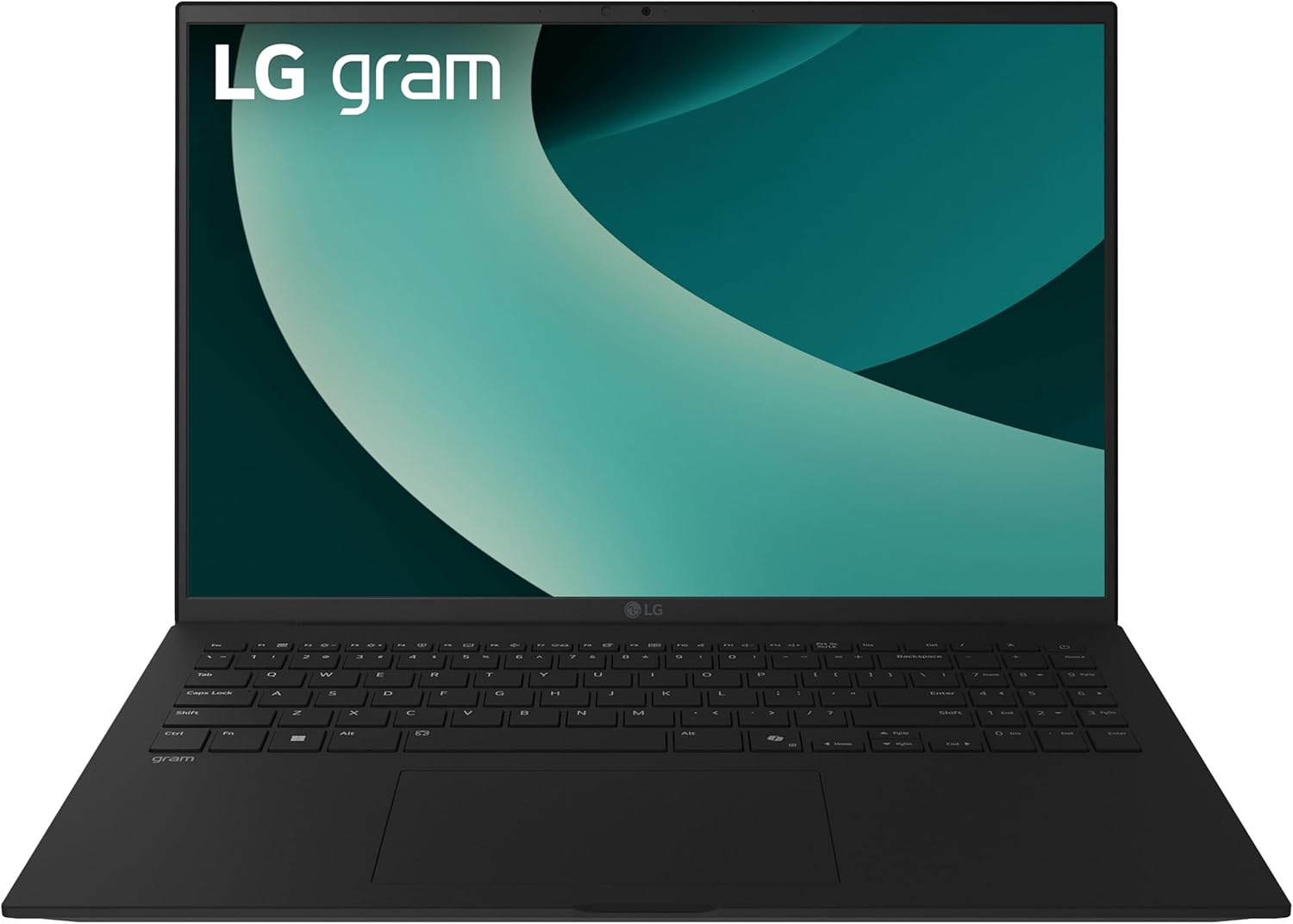 LG gram 16 Copilot+ 2TB
$1,699.99
LG gram 16 Copilot+ 2TB
$1,699.99
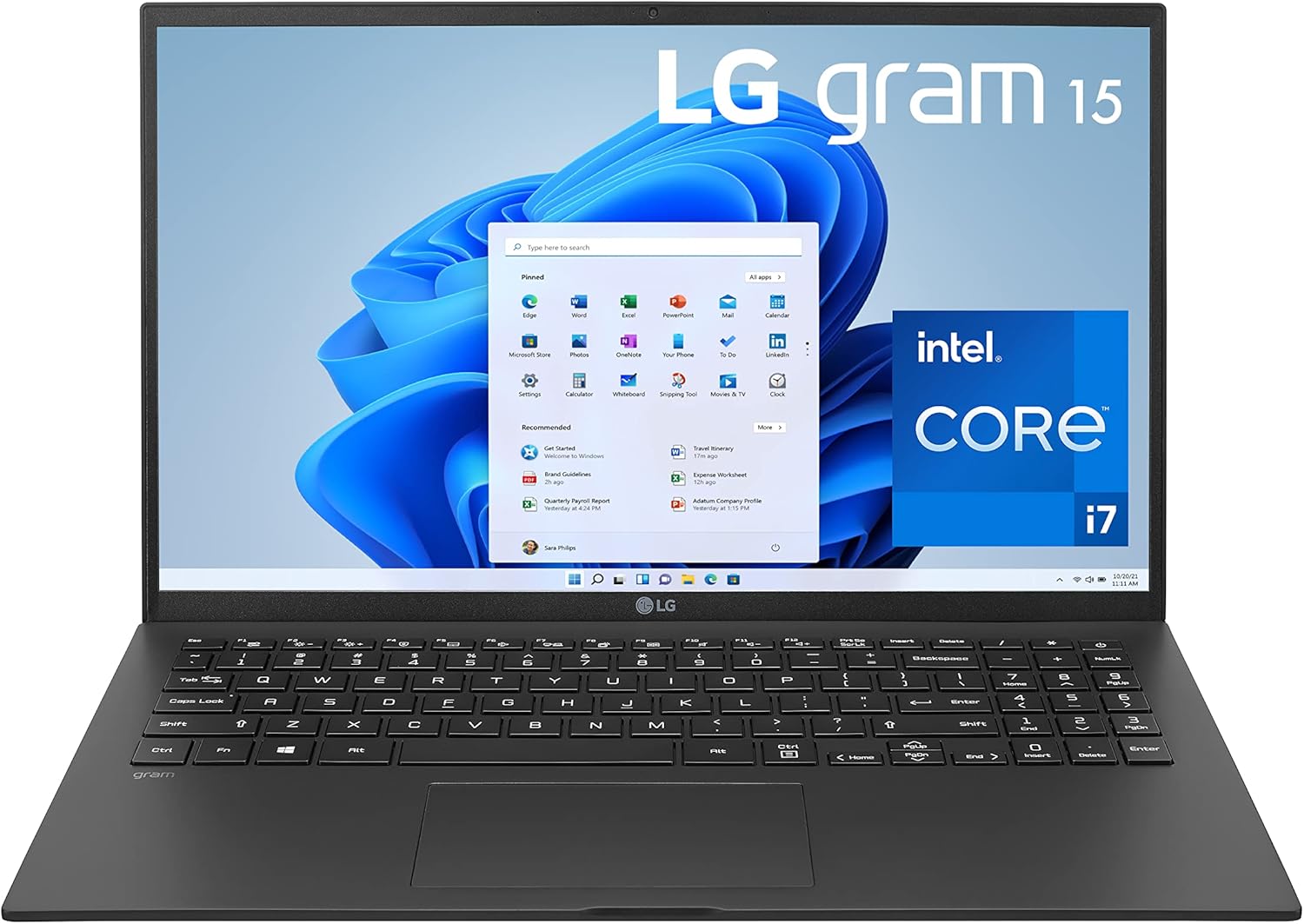 LG gram 15Z95P i7
$899.99
LG gram 15Z95P i7
$899.99
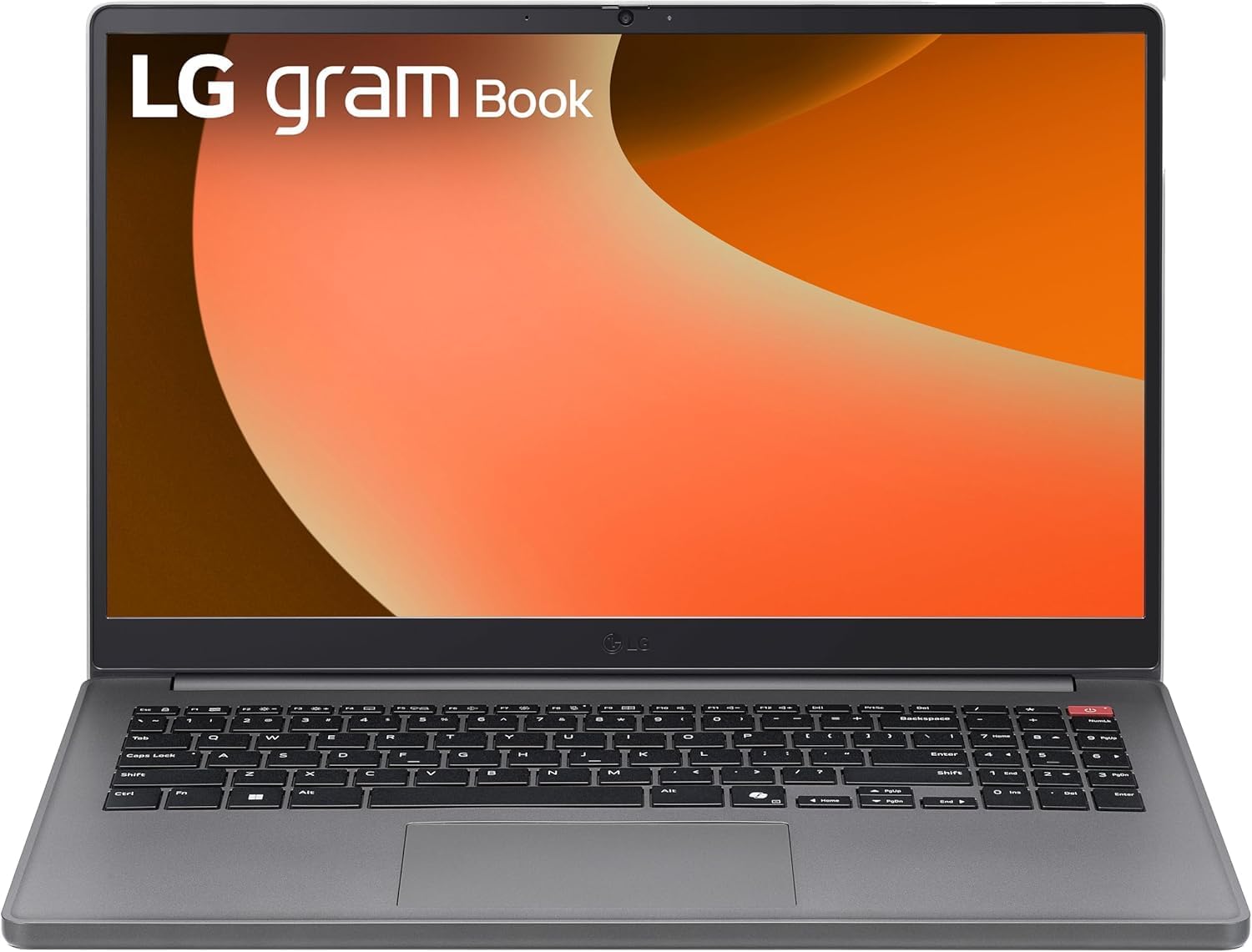 LG gram Book 15.6 i5
$599.99
LG gram Book 15.6 i5
$599.99
 LG gram 16 i7, 32GB, 2TB
$1,399.79
LG gram 16 i7, 32GB, 2TB
$1,399.79
 LG gram 15 Ryzen AI 7
$1,299.99
LG gram 15 Ryzen AI 7
$1,299.99
 LG gram Pro 2-in-1 16
$2,249.99
LG gram Pro 2-in-1 16
$2,249.99
 Sponsored Ad – Amazon.com
Display quality and multimedia
Panel options
The Gram 16 (2024) offers three IPS displays: a 60 Hz matte panel with 350 cd/m² brightness, a 60 Hz touch panel at 320 cd/m², and a 144 Hz non‑touch panel rated for 400 cd/m². All versions cover the full DCI‑P3 colour space, which is ideal for photo and video editing. Gram Pro 16 models upgrade to 2.8K (2880 × 1800) OLED screens at 120 Hz or a 144 Hz QHD+ IPS display. The OLED panel’s deep blacks and high contrast are perfect for watching films or editing creative projects.
Colour accuracy and brightness
Independent lab tests confirm the Gram’s colour claims. Laptop Mag measured the Gram Pro 16 2‑in‑1’s OLED panel covering 133.5 % of the DCI‑P3 gamut, surpassing rivals like the Lenovo Yoga Pro 9i (105.7 %) and HP Spectre x360 16 (85.8 %)laptopmag.com. Brightness averaged 392.2 nits, adequate for indoor work though below the premium laptop average of 469 nits. Trusted Reviews recorded an SDR brightness of approximately 419 nits on the 2025 Gram Pro 16’s IPS panel, with 98 % DCI‑P3 coveragefreditech.com.
Real‑world viewing
Reviewers consistently praise the OLED panel’s vibrancy. Sean Riley of Laptop Mag described the Gram’s display as “distractingly gorgeous,” noting the wide colour gamut and punchy colours. However, WIRED’s critic calls the non‑OLED IPS panel on the 2025 Gram Pro “exceptionally dim” even at maximum brightness and complains that LG’s AI algorithms aggressively dim the screen. When deciding between IPS and OLED, weigh your environment: if you often work under bright lights or outdoors, the OLED may be worth the price premium.
Audio, webcam and privacy features
Audio quality is typical for an ultrabook. The Gram’s bottom‑firing speakers support Dolby Atmos but lack deep bass; Laptop Mag found them loud enough for streaming video but noted they sound thin. Rtings likewise criticized the speakers for unnatural, overly forward vocals.
On the plus side, LG includes a 1080p webcam with IR sensor for Windows Hello facial login and optional fingerprint reader, important for quick logins during class. LG’s LG Glance software dims the display when you’re not looking at it and blurs the screen if someone peers over your shoulder—a handy privacy feature and battery saver.
Keyboard and input experience
The Gram series squeezes a full‑size keyboard with a numeric keypad into its 16‑inch chassis. Laptop Mag’s typing test achieved 87 words per minute with 97 % accuracy, but testers criticised the shallow key travel and lack of separation between the main keyboard and number padlaptopmag.com. WIRED’s review of the 2025 Gram Pro 16 went further, calling the keyboard extremely shallow and remarking that the keys are shifted left to accommodate the number pad, causing mis‑presseswired.com.
The touchpad is spacious but can feel “mushy” when clicking. If you plan to type long essays or code for hours, consider pairing the Gram with an external mechanical keyboard. See NotesForSHS’s design guide for suggestions on ergonomic features such as deeper keys and responsive trackpadsnotesforshs.com.
Performance and hardware
Processor and graphics options
The Gram 16 (2024) ships with Intel Core Ultra 5 or Ultra 7 155H processors paired with integrated Intel Arc graphics. These CPUs are more than adequate for productivity tasks and even light photo/video editing. The Gram Pro 16 adds an optional NVIDIA GeForce RTX 3050 for basic 3D rendering or gaming, though the CPU throttles under sustained load and the RTX 3050 struggles with demanding tasks.
The 2025 Gram Pro 16 upgrades to Intel Core Ultra 7 258V processors with a built‑in neural processing unit (NPU). Trusted Reviews recorded a Cinebench R23 multi‑core score of 9 583 and a Geekbench 6 multi‑core score of 10 939freditech.com. However, WIRED’s reviewer noted that despite the new chip the Gram still lags behind other premium laptops in raw performance.
Overall, the Gram prioritises portability and battery life over raw power. If you need to run engineering simulations, heavy 3D graphics or games, a more powerful workstation like the Lenovo ThinkPad P‑series may be a better choice. For most student workloads—Office apps, research, coding, light media editing—the Gram’s processors are more than sufficient.
Real‑world performance
In everyday use the Gram feels snappy. FrediTech’s review reports that you can run dozens of browser tabs, edit 4K videos and compile code without the fans getting loudfreditech.com. Rtings highlights that the Gram remains cool and quiet under load, though CPU throttling occurs during sustained heavy workloads.
Gaming is not the Gram’s forte. Integrated Arc graphics handle casual games and older titles at 720 p but lack horsepower for modern AAA games. Even RTX 3050 models can only run games at 1080 p on low settings, and the slow CPU plus lack of variable refresh rate hamper the experience. Students who need occasional gaming can consider a separate console or look at gaming laptops.
Battery life and efficiency
Battery life is the Gram’s headline feature. The standard Gram 16 delivers over 15 hours of light use and around 12 hours of video playback. This endurance stems from the large 80 Wh battery and efficient Intel Meteor Lake processors. The Gram Pro 16 (2024) sacrifices some endurance for higher performance; Rtings measured around 10 hours of light use and 10 hours of video playback, while Laptop Mag’s test (continuous web surfing at 150 nits) yielded 10 hours 41 minuteslaptopmag.com.
Battery life improves dramatically on the 2025 Gram Pro 16: Trusted Reviews measured 21 hours 10 minutes in PCMark’s office test at 150 nits, thanks to the 77 Wh battery and Core Ultra 7 258V processor. This means you can work for two full days between chargestrustedreviews.com. Notebookcheck’s review of the Gram Pro 16Z90TS measured a 19 h 36 min Wi‑Fi web surfing runtimenotebookcheck.net, confirming that LG’s large battery and efficient processor deliver marathon endurance. These numbers make the Gram one of the longest‑lasting Windows laptops available.
Fast charging and battery optimisation
A 65 W USB‑C charger takes the battery from zero to 50 % in about 42 minutes and fully charges in about 108 minutes. LG also includes battery care modes that limit the maximum charge to extend battery longevity. To maximise runtime, choose the IPS display over OLED (the latter consumes more power), reduce screen brightness, and turn on battery‑saving modes when editing documents or writing code. For more battery‑saving tips, check out NotesForSHS’s laptop design guide, which emphasises choosing laptops with at least 8–10 hours of battery lifenotesforshs.com.
LG gram 16 Ultra 7, 32GB, 1TB
$1,996.99
LG gram Pro 16 RTX 5050
$2,499.99
LG gram 16, 32GB, 2TB
$1,439.99
LG gram Pro 16 Ultra 9
$2,499.99
LG gram 16 Copilot+ 2TB
$1,699.99
LG gram 15Z95P i7
$899.99
LG gram Book 15.6 i5
$599.99
LG gram 16 i7, 32GB, 2TB
$1,399.79
LG gram 15 Ryzen AI 7
$1,299.99
LG gram Pro 2-in-1 16
$2,249.99
Sponsored Ad – Amazon.com
Connectivity and AI features
All Gram models support Wi‑Fi 6E, while the 2025 lineup adopts Wi‑Fi 7 and Bluetooth 5.4. The port selection, mentioned earlier, includes multiple USB‑C/Thunderbolt 4, USB‑A, HDMI, microSD and audio. This ensures you can connect projectors, external SSDs and SD cards without dongles – an important consideration in classrooms and libraries.
AI is another selling point. Windows 11’s Copilot+ integration brings generative AI for summarising notes, drafting emails and brainstorming. LG adds LG Glance, which dims or blurs the screen when you look away, and Gram Link for easy file transfer between PC, phone and LG TV. The 2026 Gram line introduces Gram chat, an offline language model based on EXAONE 3.5, allowing you to draft documents or organise files without internet connectivity. PCWorld notes that these laptops feature dual AI: on‑device AI for offline tasks and cloud AI for more complex jobspcworld.com. If you care about privacy or need AI assistance in areas without Wi‑Fi, this approach is compelling.
Real‑world examples and use cases
For travellers and students
The Gram 16 family is tailor‑made for frequent travellers and students. With a 15+ hour battery and weight around 2.5–3 lb, you can edit documents, attend virtual lectures and stream classes on the move without worrying about the charger. The large 16‑inch screen provides a spacious canvas for multitasking, and the microSD slot simplifies transferring lecture recordings or photos. If you commute across campus or between cities, the Gram’s portability is a major advantage.
For creative professionals
Photographers and designers will appreciate the Gram Pro 16’s OLED panel, which offers 133.5 % DCI‑P3 coverage and nearly 400 nit brightnessfreditech.com. Colours pop and remain accurate, making it suitable for editing photos, illustrations or design presentations. The optional RTX 3050 GPU provides enough power for Adobe Photoshop or Premiere Pro at 1080 p, while the 2‑in‑1 model’s pressure‑sensitive stylus is handy for sketching and annotation.
For coders and knowledge workers
If your workflow involves writing essays, coding or number‑crunching, the Gram’s full‑size keyboard with number pad and long battery life ensure you can work from cafés or libraries without hunting for outlets. However, be mindful of the shallow key travel; consider using an external mechanical keyboard for extended coding sessions. The Gram’s CPU and integrated GPU handle development environments and compile times well, but they’re not ideal for heavy 3D or data‑science workloads.
For AI enthusiasts and privacy advocates
The dual AI approach in the 2026 Gram line means tasks like summarising notes, organising files or translating documents can run offline, preserving your privacy. The EXAONE 3.5‑based Gram chat processes natural‑language commands locally, while Copilot+ features like Recall and Live Captions provide contextual AI assistance. If you’re excited about generative AI but wary of cloud services scanning your data, the Gram offers an intriguing middle ground.
Configurations, pricing and buying guide
Model overview
|
Model |
Key features |
Battery life
(tested) |
Starting price (USD) |
|
Gram 16 (2024) |
16‑inch IPS display at 60 Hz or 144 Hz;
Intel Core Ultra 5 or Ultra 7; integrated Intel Arc
graphics; up to 32 GB RAM; magnesium alloy chassis |
15+ h light use, ≈12 h
video |
≈ $1,199 – $1,699 |
|
Gram Pro 16 (2024) |
IPS (144 Hz) or 2.8K OLED
(120 Hz); optional NVIDIA RTX 3050; 77 Wh battery; up to
32 GB RAM |
≈10 h light use, ≈10 h video |
≈ $1,399 – $2,099 |
|
Gram Pro 16
(2025) |
Aerominum chassis;
Intel Core Ultra 7 258V; dual AI (on‑device + cloud);
77 Wh battery |
21 h 10 min in
PCMark test |
TBA (likely premium) |
|
Gram Pro 16 2‑in‑1 (16T90SP) |
360° hinge with stylus; 2.8K OLED
touchscreen; Intel Core Ultra 7 155H; 77 Wh battery;
weight ~1.4 kg |
10 h 41 min (Laptop Mag web
surfing) |
≈ $1,799
(mid‑tier) |
Step‑by‑step buying guide
- Decide between Gram 16 and Gram Pro 16. The standard Gram 16 prioritises battery life and affordability. It’s ideal for note‑taking, research and basic media editing. The Gram Pro 16 adds OLED options, optional RTX 3050 graphics and enhanced AI features but sacrifices some battery life. For cutting‑edge AI and Aerominum durability, you might wait for the 2026 Gram Pro.
- Select the display. IPS panels are more affordable and consume less power. The 144 Hz IPS display offers smoother scrolling and slightly higher brightness. OLED panels provide deeper blacks and richer colours for creative work but can dim aggressively and may risk burn‑in over time.
- Choose the processor and memory. For typical student workloads, a Core Ultra 5 with 16 GB RAM is sufficient. If you edit videos, code in large projects or multitask heavily, upgrade to a Core Ultra 7 and 32 GB RAM. Remember that RAM is soldered on these laptops, so choose wisely at purchase time.
- Consider discrete graphics. If you plan to dabble in 3D modelling or light gaming, pick a Gram Pro 16 with the optional RTX 3050. But note that performance is limited and battery life decreases; dedicated gaming laptops offer better value for gamers.
- Check pricing and discounts. LG often discounts Gram models, so shop around. FrediTech notes base prices around $1,199–$2,099, but you may find deals under $1,500. If you’re on a tight budget, look for last year’s model or consider the Asus Zenbook 14 OLED, which offers a similar display and battery life at a lower price.
Competitors and alternatives
While the Gram 16 excels at portability and battery life, other laptops might suit different priorities:
- Lenovo ThinkPad X9 15 Aura Edition. FrediTech’s review of Lenovo’s premium 15.3‑inch laptop highlights its aluminium chassis, 2.8K OLED display, Lunar Lake processors and 80 Wh battery rated for up to 20 hoursfreditech.com. It weighs around 1.4 kg and offers deeper keys than the Gram but costs more.
- Asus Zenbook 14 OLED. This 14‑inch ultrabook balances performance and battery life. It uses Intel Core Ultra chips and a 3K OLED display with a 75 Wh battery that can last two days. The aluminium chassis and deeper keyboard provide a more premium feel than the Gram, although the smaller screen means less multitasking space.
- Apple MacBook Air 15 (M3/M4). Apple’s MacBook Air offers class‑leading battery life and performance thanks to the M‑series chips. It weighs around 1.3 kg and features a 15‑inch Liquid Retina display. Ports are limited to two USB‑C, but the keyboard and haptic trackpad are among the best. Students embedded in Apple’s ecosystem may prefer this option.
- HP Spectre x360 16. HP’s convertible weighs over 4 lb but offers a 120 Hz OLED display, strong build quality and a comfortable keyboard. Battery life is around 10 hours. If you value a more solid chassis and stylus support over lightness, it’s worth considering.
NotesForSHS has a Laptop Design Guide that breaks down how to evaluate these alternatives, emphasising portability, battery life, processing power, and ergonomicsnotesforshs.com. Use it to compare models against your specific academic needs and budget.
Pros and cons
Pros
- Incredible portability: At 2.5–3.1 lb, the Gram 16 packs a large 16‑inch screen into an ultralight body.
- Marathon battery life: The standard Gram 16 lasts 15+ hours, while the 2025 Gram Pro 16 can hit over 21 hours.
- Vibrant OLED display: The Gram Pro’s OLED panel covers 133.5 % of the DCI‑P3 gamut and looks stunning.
- Generous port selection: Two USB‑C/Thunderbolt 4 ports, two USB‑A ports, HDMI, microSD and headphone jack mean you rarely need a dongle.
- AI‑powered features: Copilot+, Gram chat and LG Glance provide privacy‑respecting AI tools.
Cons
- Shallow keyboard and mushy trackpad: Reviewers complain about shallow key travel and a mushy touchpad.
- Magnesium chassis feels less premium: Some units show build‑quality issues such as warped displays.
- OLED option only on Pro models: The base Gram 16 uses dimmer IPS displays and aggressive auto‑dimming.
- Performance lags behind peers: Even with Core Ultra 7 chips, the Gram trails rivals like the MacBook Air and Asus Zenbook S in raw performance.
- High price: Top‑end configurations exceed $2,000. Discounts are necessary for good value.
Conclusion
The LG Gram 16 and Gram Pro 16 prove that portability and screen real estate can coexist. Their feather‑light designs and marathon batteries make them excellent companions for travellers, students and professionals who value mobility. The Pro models add high‑resolution OLED displays, optional discrete graphics and AI‑accelerated processors but sacrifice some runtime and cost more. Meanwhile, the standard Gram 16 offers unmatched endurance at a relatively reasonable price, albeit with a less premium feel and slower performance.
If you need a laptop that can handle long days in lecture halls, cross‑country flights or extended library sessions, the Gram 16 should be high on your shortlist. Students who prioritise display quality or stylus support may prefer the Gram Pro 16 or Pro 16 2‑in‑1, while those seeking more power should consider alternatives like the ThinkPad X9 Aura Edition or Zenbook 14 OLED. Ultimately, LG’s Gram line shows that innovation isn’t just about raw speed—it’s about blending mobility, battery life and emerging AI capabilities to meet the needs of modern students.
Frequently asked questions (FAQs)
How heavy is the LG Gram 16 and is it good for travelling?
The Gram 16 weighs roughly 2.5–3.1 lb depending on configuration, making it one of the lightest 16-inch laptops. Its thin design and 15+-hour battery life allow you to work on planes, in cafes, or on campus without carrying a charger.
What is the difference between the Gram 16 and Gram Pro 16?
The standard Gram 16 emphasises battery life and affordability. It uses IPS displays and integrated graphics and can last 15+ hours on a charge. The Gram Pro 16 targets higher-end buyers with upgrades like 2.8K OLED displays, optional RTX 3050 graphics, and improved build quality. Battery life varies: the 2024 Pro lasts around 10 hours, while the 2025 version can exceed 21 hours.
Does the Gram 16 support pen input or tablet mode?
Only the Gram Pro 16 2-in-1 (16T90SP) has a 360-degree hinge and includes a rechargeable stylus. Standard Gram 16 and Gram Pro 16 models are clamshell laptops without pen support (unless you choose an optional touch IPS panel).
How long does the battery last in real-world use?
Battery life varies by model and settings. Independent tests show the Gram 16 lasting 15+ hours of light productivity and around 12 hours of video. The 2024 Gram Pro 16 lasts roughly 10 hours, while the 2025 Gram Pro 16 lasted 21 h 10 m in PCMark tests. Real-world runtimes depend on brightness and workload.
What ports does the Gram 16 include?
The Gram 16 typically includes two Thunderbolt 4/USB-C ports, two USB-A ports, a full-size HDMI, a microSD card reader, and a 3.5 mm audio jack. The Gram Pro adds HDMI 2.1 and optional RTX 3050 graphics.
Is the keyboard comfortable for long typing sessions?
Opinions vary. Laptop Mag achieved high typing speeds but noted the shallow key travel and cramped layout. If you type for hours, consider pairing the Gram with an external keyboard or exploring laptops with deeper keys, such as those recommended in our NotesForSHS laptop design guide (notesforshs.com).
Do the Gram laptops run hot or loud?
Generally, the Gram line stays cool and quiet for everyday tasks, with fans becoming noticeable only during sustained heavy workloads. Laptop Mag’s heat testing measured temperatures mostly below 95°F, though one hotspot on the bottom reached 115.7°F.
Should I wait for the 2026 Gram models?
If you want the latest AI features and the new Aerominum chassis, waiting could be worthwhile. PCWorld reports that 2026 models will feature dual AI (on-device plus cloud) and Aerominum construction for improved durability. However, prices and availability are uncertain, and the 2024/2025 models already offer excellent portability and battery life—especially if you can find them on sale.
Are there any drawbacks I should consider?
Yes. The magnesium chassis can feel less premium, and some units show build quality issues. The keyboard and trackpad may feel shallow and mushy. Performance can lag behind similarly priced competitors, and OLED is typically reserved for Pro models. Finally, top configurations can be expensive—look for discounts to maximise value.
About the author
Wiredu Fred – Technology journalist and educator
Fred is a tech writer and the founder of NotesforSHS. He has spent over a decade testing and reviewing computers, headphones and other gadgets. His work is anchored in evidence‑based analysis and clear explanations. When he isn’t writing, Fred mentors high‑school students in coding and runs workshops on digital literacy.
LG gram 16 Ultra 7, 32GB, 1TB
$1,996.99
LG gram Pro 16 RTX 5050
$2,499.99
LG gram 16, 32GB, 2TB
$1,439.99
LG gram Pro 16 Ultra 9
$2,499.99
LG gram 16 Copilot+ 2TB
$1,699.99
LG gram 15Z95P i7
$899.99
LG gram Book 15.6 i5
$599.99
LG gram 16 i7, 32GB, 2TB
$1,399.79
LG gram 15 Ryzen AI 7
$1,299.99
LG gram Pro 2-in-1 16
$2,249.99
Sponsored Ad – Amazon.com