
HP Envy x360 13 Student Review: Worth It in 2026?
Updated August 12, 2026 · Student laptop review
A convertible can type an essay, annotate a PDF, display a lecture in tent mode and travel as one device. The HP Envy x360 13 still does all four—but the version most shoppers now find is four years old, so its exact configuration matters more than the Envy name.
This review covers the HP Envy x360 13-bf0013dx (66B41UA#ABA): a 2022 Core i7-1250U model with Iris Xe graphics, 8GB of soldered memory, a 512GB SSD, 13.3-inch 1920×1200 IPS touchscreen and Windows 11 Home. It is now sold mainly used or refurbished.
Quick verdict
The HP Envy x360 13 remains capable in 2026, but only at a low refurbished price and with realistic expectations for its fixed 8GB memory. Its metal body, 16:10 IPS display, ports, 5MP webcam and 360-degree hinge still appeal. Mainstream coursework and beginner coding run comfortably.
The RAM cannot be upgraded, the stylus was not included, and Iris Xe graphics are not intended for modern AAA games, advanced CAD, large AI models or professional 4K production.
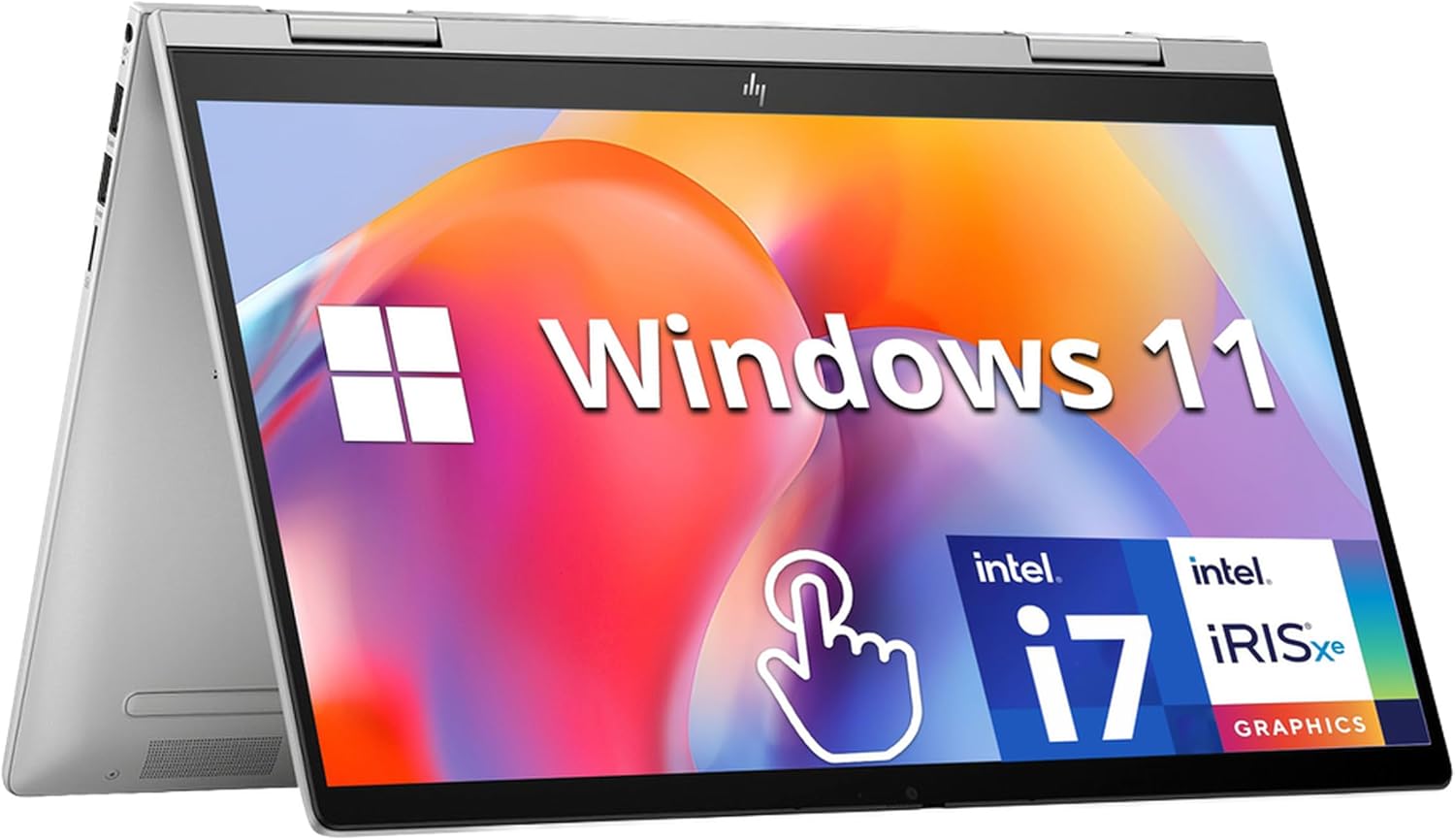 HP Envy x360 14" i7 / 16GB / 1TB
$819.99
HP Envy x360 14" i7 / 16GB / 1TB
$819.99
 HP Envy x360 AI 16" Ultra 7 / 32GB / 2TB
$1,569.99
HP Envy x360 AI 16" Ultra 7 / 32GB / 2TB
$1,569.99
 HP Envy x360 14" Core 7 / 16GB / 1TB
$899.99
HP Envy x360 14" Core 7 / 16GB / 1TB
$899.99
 HP Envy x360 14" Core 5 / 8GB / 512GB
$599.99
HP Envy x360 14" Core 5 / 8GB / 512GB
$599.99
 HP OmniBook X Flip 14" Ultra 7 / 16GB / 1TB
$999.99
HP OmniBook X Flip 14" Ultra 7 / 16GB / 1TB
$999.99
 HP Envy x360 14" i5 / 8GB / 512GB
$579.99
HP Envy x360 14" i5 / 8GB / 512GB
$579.99
 HP Envy x360 14" 2K Ultra 7 / 16GB / 1TB
$549.00
HP Envy x360 14" 2K Ultra 7 / 16GB / 1TB
$549.00
 HP Envy x360 14" 2K Ultra 7 / 16GB / 1TB
$895.99
HP Envy x360 14" 2K Ultra 7 / 16GB / 1TB
$895.99
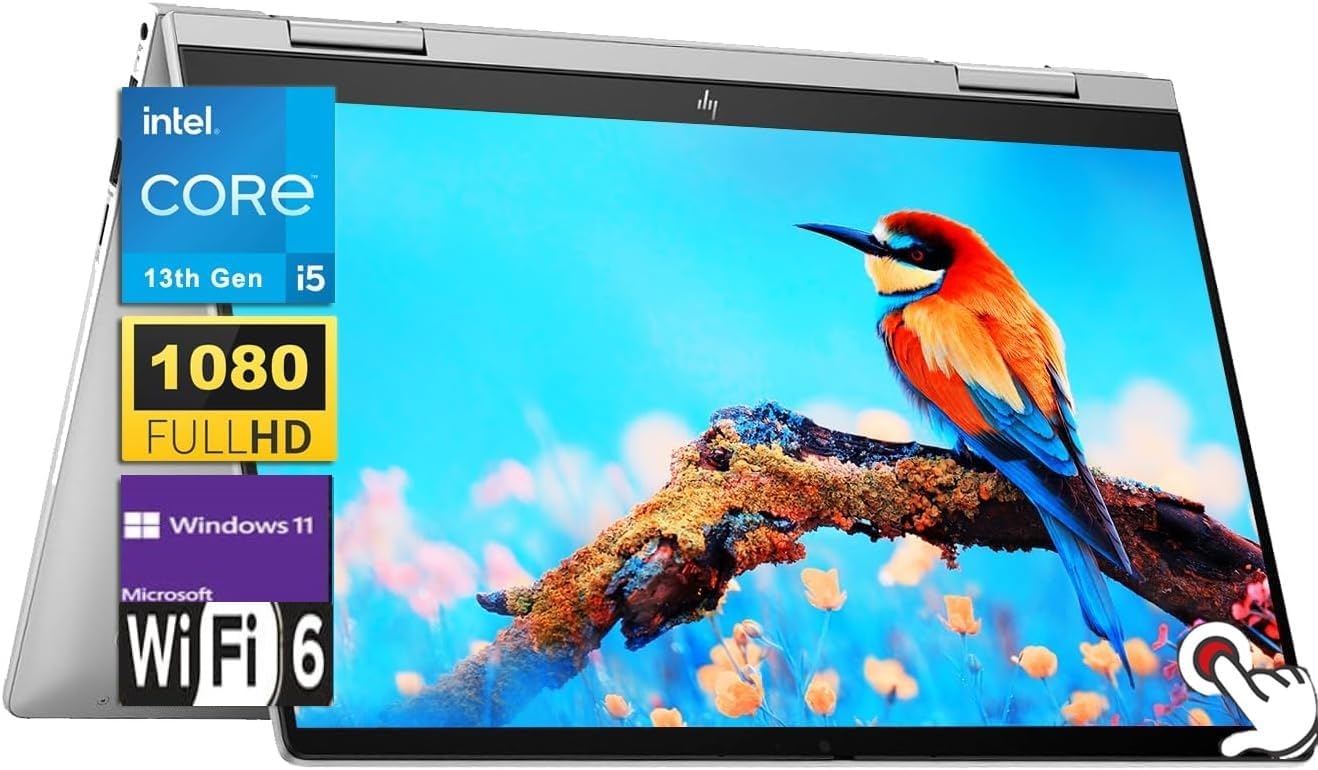 HP Envy x360 14" i5 / 8GB / 1TB
$763.00
HP Envy x360 14" i5 / 8GB / 1TB
$763.00
 HP ENVY x360 15.6" i7 / 12GB / 256GB
$727.47
HP ENVY x360 15.6" i7 / 12GB / 256GB
$727.47
 Sponsored Ad – Amazon.com
Is the HP Envy x360 13 still current in 2026?
No—not the 13-bf0013dx reviewed here. Best Buy marks this exact configuration as no longer available new, and HP now describes the OmniBook X convertible range as the evolution of Envy x360. HP's current Flip models use newer processors, usually start with more memory and may include dedicated neural-processing hardware for supported AI features.
The older Envy is not obsolete: its processor supports Windows 11, Intel published a compatible graphics package in June 2026, and HP maintains a 13-bf0000 support portal. None of that guarantees updates for a student's entire degree.
HP Envy x360 13-bf0013dx specifications
Specifications vary by generation, configuration and market. The table below applies to the primary US retail configuration in this review; an Envy x360 13 with a different suffix may have another processor, display, memory capacity or accessory bundle.
| Component | Specification | Student relevance |
|---|---|---|
| Release/status | 2022 model; discontinued new retail SKU | Buy on condition and price, not model name alone |
| Processor | Intel Core i7-1250U, 10 cores/12 threads, up to 4.7GHz | Strong enough for routine coursework and light development |
| Graphics | Integrated Intel Iris Xe | Good for media and light creative work; not a workstation GPU |
| Memory | 8GB LPDDR4x-4266, onboard | Soldered and not upgradeable |
| Storage | 512GB PCIe NVMe M.2 SSD | Replaceable M.2 2280 drive |
| Display | 13.3-inch, 1920×1200, 16:10 IPS touch, 60Hz, 400-nit/100% sRGB specification | Roomy for documents; glossy outdoors |
| Pen | Microsoft Pen Protocol support | Compatible pen required; stylus not included with this SKU |
| Camera/audio | 5MP IR camera, privacy shutter, dual microphones, B&O-tuned dual speakers | A strong setup for remote classes |
| Wireless | Wi-Fi 6E; Bluetooth 5.2 on the independently tested unit | Modern campus and accessory connectivity |
| Ports | 2× Thunderbolt 4/USB-C with charging and DisplayPort 1.4; 2× USB-A 10Gbps; microSD; 3.5mm audio | Unusually useful for a compact convertible |
| Battery/charger | 66Wh battery; 65W USB-C adapter | Easy to charge with a suitable USB-C PD adapter |
| Size/weight | 11.75 × 8.46 × 0.63in; 3.05lb (1.38kg) | Portable, though heavier than a tablet alone |
| Operating system | Windows 11 Home | Broad desktop software compatibility |
Sources: HP's model-specific datasheet, Intel's i7-1250U specification and Notebookcheck's test of the same SKU.
Design, portability and the 360-degree hinge
The recycled-aluminum cover, base and keyboard deck feel more premium than many low-cost laptops. Independent testing found a rigid base, though the lid was less stiff than flagship convertibles. At roughly 1.38kg, it is manageable in a backpack.
Modes that add value
Laptop suits essays; tent suits lectures and small desks; stand suits presentations; tablet makes PDF markup and diagrams more natural.
The practical trade-off
It is much heavier than an iPad for long handheld reading, and the keyboard sits behind the screen in tablet mode. If you rarely annotate, a conventional laptop may cost less.
The hinge on Notebookcheck's sample held consistently through its range. A four-year-old used unit may not behave like that sample, so check for uneven resistance, creaking, case separation and a screen that wobbles after you stop moving it.
Display, touchscreen and stylus experience
The exact 13-bf0013dx uses a 1920×1200 IPS panel—not OLED. Its 16:10 shape shows more of a page than 16:9. HP specifies 400 nits and 100% sRGB; Notebookcheck measured 397 nits, about 98% sRGB and no pulse-width modulation. Those remain good results for study and basic photo work.
The glass surface is glossy. It is comfortable indoors, but reflections reduce outdoor readability. The measured pixel response was also slow, which is largely irrelevant to essays but visible as blur in fast games. Other 13-bf configurations were sold with higher-resolution IPS or OLED panels. OLED delivers deeper black levels and stronger contrast, but can use more power with bright content and adds burn-in considerations. Do not apply OLED reviews to this IPS SKU.
Touch and pen input
Touch works throughout Windows. HP representatives confirmed Microsoft Pen Protocol (MPP) support, including the HP Rechargeable MPP 2.0 Tilt Pen. Best Buy says a stylus was not included. Ask a reseller to identify any bundled pen.
A compatible pen makes OneNote and PDF tools useful for equations, structures, diagrams and slide annotation. See our guides to note-taking apps and science apps.
Keyboard, touchpad, webcam, speakers and ports
The backlit keyboard suits long assignments, though testing found softer feedback than HP's premium models. The cramped arrow keys take adjustment, and silver legends can lose contrast.
The touchpad tracks smoothly, but its physical click feels shallow and spongy. The 5MP IR webcam is a major advantage for online classes, with Windows Hello and a privacy shutter. Speakers are clear and fairly loud.
Two Thunderbolt 4 ports handle charging, displays and docks; two USB-A ports, microSD and audio cover common accessories. There is no built-in HDMI or Ethernet.
Performance for student work in 2026
The Core i7-1250U combines two performance cores with eight efficient cores. It remains responsive for web research, Word, PowerPoint, modest Excel models, Google Workspace, streaming, PDFs, learning-management systems and video meetings. A fast NVMe SSD keeps startup and app loading snappy.
The processor is not the main constraint—the 8GB of soldered RAM is. Normal browsing, a document and a call are fine. Many tabs, Teams, an IDE, Docker or Adobe apps can force Windows to use slower SSD-based virtual memory. Prefer a verified 16GB variant for heavier work.
| Workload | Fit | Practical expectation |
|---|---|---|
| Word, PowerPoint, Google Docs | Strong | Smooth for normal coursework and presentations |
| Excel | Good | Fine for ordinary formulas and datasets; not huge financial models |
| Zoom, Teams, Meet | Strong | Good camera and microphones; close unused apps on 8GB |
| Beginner coding | Good | VS Code, Python, web development and small projects are appropriate |
| Science/health study | Good | Research, statistics basics, diagrams and virtual labs; check specialist software |
| Canva/photo editing | Acceptable | Light projects are fine; large layered files expose the RAM limit |
| Video editing/gaming | Limited | Short 1080p edits and older/light games at reduced settings |
| CAD, 3D, AI/ML, VMs | Poor choice | Choose 16GB–32GB RAM and stronger graphics for sustained work |
Business, humanities, education and general science are the best match. Health-science students should confirm proctoring software. Computer-science beginners can learn comfortably, but 8GB restricts virtual machines and larger builds. Engineering and creative students should follow departmental software requirements, not the “Core i7” badge.
Microsoft 365 is a separate license unless a school supplies one; free web apps are available. Windows 10 support ended October 14, 2025, so keep this model on Windows 11.
Battery life, charging, heat and noise
The 66Wh battery achieved 9 hours 47 minutes in Notebookcheck's Wi-Fi test, and a full charge took about 90 minutes. HP advertised roughly 50% charge in 45 minutes while shut down. Brightness, calls and apps change runtime.
A healthy battery can cover moderate classes, but a 2022 pack may now hold less capacity. Request a battery report and plan to charge until the unit proves itself.
Fan noise was modest in independent testing: the laptop stayed nearly silent in lighter work and remained relatively restrained under sustained load. The keyboard deck developed a warmer area on the right, while the palm rest stayed comfortable. In tablet mode, avoid blocking vents with bedding or soft furniture.
Upgradeability, repairability and useful life
Four Torx screws secure the bottom. The M.2 2280 SSD, battery and Wi-Fi module are serviceable; the soldered RAM is not. An 8GB unit therefore cannot be upgraded for heavier multitasking.
Repairability is average: internal access is reasonable, but touch-display and hinge work can be expensive. A refurb warranty can be worth more than a small discount. Useful life depends on battery condition and future software support.
HP Envy x360 13 price and value in 2026
There is no meaningful worldwide new price because inventory is fragmented. On August 12, 2026, a US eBay result showed an 8GB/512GB unit around US$350; Back Market listed an 8GB/256GB refurb at US$427.59. These are snapshots with different storage, condition and warranty.
| Market | Exact SKU finding | How to judge value |
|---|---|---|
| United States | Discontinued new; used/refurb examples roughly US$350–$428 | Under US$400 is attractive; up to US$450 needs good battery and warranty |
| United Kingdom | No stable authorized-retail benchmark found | Compare with current 16GB Yoga, Dell, ASUS and HP education pricing |
| Canada | Exact listings were sparse and included parts/imports | Avoid using converted US price without tax, warranty and shipping |
| Australia | No dependable exact-SKU mainstream listing found | Imported old stock is poor value without local warranty |
| Selected EU markets | Family parts and used stock exist; exact retail price was not consistent | Verify keyboard layout, charger, VAT, warranty and precise suffix |
Our price rule: 8GB/512GB is compelling below about US$400-equivalent with a healthy screen, hinge and battery. Up to US$450 can make sense with a solid warranty and returns. Above that, compare a 16GB model or our student budget-laptop picks. Conversion alone ignores tax and support.
HP education stores in several markets discount current eligible products. A deal on a new OmniBook or competitor may erase the used Envy's saving, so compare final basket prices.
New old stock versus refurbished
New old stock
- May include the original charger and unused exterior.
- The battery has still aged in storage.
- Warranty may start differently by seller or region.
- A high “original price” is not evidence of current value.
Refurbished or used
- Can deliver premium build at a budget price.
- Battery, hinge, touchscreen and USB-C charging need testing.
- Confirm SSD size, pen, charger and keyboard layout.
- Prefer a written warranty and straightforward returns.
Ten checks before paying
- Match the model suffix to 13-bf0013dx or verify every different specification.
- Open Settings and confirm the processor, 8GB memory and stated SSD capacity.
- Run a battery report and ask what capacity the seller considers acceptable.
- Move the hinge slowly through its full range and inspect the corners for separation.
- Test touch across the full panel and inspect for bright spots, burn-in or pressure marks.
- Verify both USB-C ports can charge and output video where possible.
- Check every key, touchpad click, webcam, speakers, Wi-Fi and microSD slot.
- Confirm whether a genuine 65W USB-C charger and compatible MPP pen are included.
- Read the warranty, return period and who pays return shipping.
- Compare the total cost with a current 16GB laptop before deciding.
How it compares with current alternatives
The Envy wins when it is dramatically cheaper. New convertibles generally offer 16GB memory, faster graphics and current warranties. Our student 2-in-1 guide covers the category.
| Option | Best reason to choose it | Trade-off versus a discounted Envy |
|---|---|---|
| HP OmniBook X Flip 14 | Direct HP successor concept; newer chips, common 16GB configurations and current warranty | Much higher price |
| Lenovo Yoga 7i 2-in-1 Aura Edition 14 | Current premium convertible with 16GB starting configurations | Costs far more than a good used Envy |
| Dell 14 Plus 2-in-1 | Newer AMD platform, 16GB memory and 512GB SSD in the base configuration checked | Larger upfront spend |
| ASUS Vivobook 14 Flip TP3407 | Current 14-inch OLED convertible with pen support and newer Core Ultra options | Price and included accessories vary |
| Microsoft Surface Pro 12 | Far lighter as a tablet; modern pen-first form | Keyboard and pen can add cost; check Arm app compatibility |
A conventional laptop is better value for typing and may offer 16GB RAM for the same money. An iPad is lighter for handwriting, while the Envy includes a keyboard, traditional file management and full Windows apps. See our iPad versus laptop guide.
Four realistic student buying scenarios
High-school student
A good fit for assignments, video classes and handwritten diagrams if a protected, warrantied unit costs well below a new laptop. A simpler 16GB conventional laptop may be smarter if pen input is rarely used.
Humanities student
Strong for reading, research, essays and lecture markup. The display and portability matter more here than GPU performance. Check battery health before relying on it for a full campus day.
Computer-science student
Fine for introductory Python, JavaScript and small projects. Choose a 16GB alternative for containers, Android Studio, virtual machines or large builds; the 8GB cannot be upgraded.
Creative student
Useful for sketching, Canva and light photo or 1080p work. It is not an ideal machine for complex illustration files, 3D rendering or sustained professional video production.
Student value scorecard
Editorial scale: 1 = poor, 2 = weak, 3 = acceptable, 4 = strong, 5 = excellent. Scores apply to the exact 8GB/512GB IPS configuration at a fair refurbished price with a healthy battery—not to every Envy x360.
| Category | Score | Why |
|---|---|---|
| Schoolwork performance | 4/5 | Quick for mainstream coursework |
| Multitasking | 3/5 | 8GB becomes restrictive |
| Display | 4/5 | Bright, accurate 16:10 IPS panel |
| Touchscreen / stylus / notes | 4/5 | Responsive concept and MPP support; pen costs extra |
| Keyboard / touchpad | 3/5 / 2/5 | Usable keys; spongy physical click |
| Webcam / speakers | 5/5 / 4/5 | Sharp 5MP camera and good compact-laptop audio |
| Battery / portability | 3/5 / 4/5 | Good test result, but used-battery health varies |
| Ports / wireless | 5/5 | Thunderbolt 4, USB-A, microSD and Wi-Fi 6E |
| Build / hinge | 4/5 | Solid metal chassis; condition matters with age |
| Coding / creative work | 3/5 | Good for lighter projects, limited for heavy workflows |
| Gaming | 2/5 | Integrated graphics and slow panel response |
| Upgradeability / repairability | 2/5 / 3/5 | SSD and battery serviceable; RAM fixed |
| Current price / product age | 3/5 / 2/5 | Value can be good, but the platform is four years old |
| Overall student value | 3/5 | A conditional buy below the stated price thresholds |
Should students buy the HP Envy x360 13 in 2026?
Yes, conditionally. It remains a refined Windows 2-in-1 for research, documents, calls and handwritten notes. It is most convincing below about US$400-equivalent with testing, warranty and a real need for pen input.
Buy it if…
- The exact model, storage and display are verified.
- The battery and hinge are healthy.
- MPP pen input will improve your study workflow.
- 8GB is enough for your course and multitasking habits.
- The total price is clearly below a current 16GB convertible.
Skip it if…
- You need virtual machines, advanced CAD, 3D or GPU compute.
- You expect to upgrade the RAM later.
- The seller cannot document condition or warranty.
- You mainly type and do not need touch.
- A newer 16GB model is available for a modest premium.
The correct decision is not “Envy versus another brand.” It is exact model + configuration + physical condition + battery health + warranty + current local price + required coursework. Evaluate all seven, and this older convertible can still be a sensible study tool rather than an expensive compromise.
Frequently asked questions
Is the HP Envy x360 13 good for students?
Yes, for mainstream study. The 13-bf0013dx handles research, Office apps, Google Workspace, PDFs, online classes and beginner coding well. Its touchscreen and 360-degree hinge add value for annotation and presentations. It is a poor match for demanding 3D, advanced engineering, large virtual machines or modern AAA gaming.
Is the HP Envy x360 13 worth buying in 2026?
Only at the right used or refurbished price. For the 8GB/512GB model, below about US$400-equivalent is attractive when battery, touchscreen and hinge condition are good. Up to about US$450 can be reasonable with a meaningful warranty. Compare any higher price with a newer 16GB convertible.
Is this a current 2026 HP model?
No. The reviewed 13-bf0013dx was released in 2022 and is no longer available new from its original major US retailer. HP now positions OmniBook X Flip models as the evolution of the Envy convertible range. Most exact-model offers in 2026 are used, refurbished or old inventory.
Is the HP Envy x360 13 good for college or university?
It suits humanities, business, education, general science and many health-science workflows. Computer-science beginners can use it for smaller projects, but the 8GB version is limiting for containers and virtual machines. Engineering and creative students should check their department's software and GPU requirements first.
Is it good for handwritten notes and PDF annotation?
Yes, with a compatible active pen. The 16:10 touchscreen provides useful vertical space, and tablet mode works well for OneNote, diagrams and PDF markup. It is heavier than a dedicated tablet, so it is better on a desk or lap than held in one hand for a long session.
Does the HP Envy x360 13-bf0013dx come with a stylus?
No. Best Buy's specifications for this exact retail SKU list the stylus as not included. Bundles in other markets can differ, so ask the seller to name and photograph the pen rather than assuming every Envy x360 package contains one.
Which pens work with the HP Envy x360 13-bf0013dx?
HP states that Microsoft Pen Protocol pens work with this model, including the HP Rechargeable MPP 2.0 Tilt Pen. Check the exact protocol before buying a third-party stylus; a basic capacitive stylus can tap the screen but does not provide the same active-pen precision or pressure features.
Is 8GB RAM enough?
It is enough for documents, moderate browsing, streaming, PDFs and one online-class app. It becomes restrictive with many tabs, Teams plus other heavy apps, Adobe projects, Android Studio, containers or virtual machines. Students buying for several years should prefer 16GB when the price difference is reasonable.
Can the RAM be upgraded?
No. The 8GB LPDDR4x memory is soldered to the motherboard and there is no user-accessible memory slot. Replacing the SSD does not increase RAM. Buy the memory capacity you will need from the beginning.
Can the SSD be upgraded?
Yes. The laptop uses a replaceable M.2 2280 NVMe SSD. Opening the bottom panel requires suitable Torx tools and care, and a new drive may require Windows installation or cloning. If the device is under a refurb warranty, check its service terms before opening it.
How long does the battery last?
Notebookcheck measured 9 hours 47 minutes of Wi-Fi browsing on the exact i7/8GB/IPS model when new. A used 2022 battery can last much less because capacity declines with age and use. Treat a current battery-health report as more important than the original benchmark.
Is the HP Envy x360 13 good for coding?
It is good for introductory Python, JavaScript, HTML/CSS, Java fundamentals and small IDE projects. The processor is adequate, but 8GB RAM is the bottleneck. Choose 16GB or more for multiple virtual machines, large builds, data science or heavier local development environments.
Can it handle Photoshop, video editing or gaming?
It can manage light photo editing, small Canva projects, short 1080p edits and older or lightweight games at reduced settings. The fixed 8GB RAM and integrated Iris Xe graphics make it unsuitable for complex layered work, sustained professional video production, advanced 3D effects or demanding modern games.
Should students buy a refurbished HP Envy x360?
A refurbished unit can be good value if the seller documents battery health, tests the touchscreen and hinge, includes a correct charger, provides a useful warranty and allows returns. Avoid listings that hide the model suffix, use stock photos only or describe damage near the hinge or display frame.
Sources and further reading
- HP Envy x360 13-bf0013dx official product datasheet
- Best Buy exact-model availability and package details
- Notebookcheck exact-model laboratory review
- Intel Core i7-1250U specifications
- Microsoft Windows 10 end-of-support guidance
- HP's current x360-to-Flip convertible guide
For broader study workflows, explore Notes for SHS guides to top study apps, digital tools in education and the HP OmniBook 5 for students.