
Best Student Printers: The Definitive Guide for Academic Success in 2026
Best Printers for Students in 2026
The Epson EcoTank ET-3950 is the best student printer for regular color printing in 2026 because it combines refillable ink tanks, automatic two-sided printing, an automatic document feeder and a 250-sheet tray. Students who mainly print essays should choose the faster Brother HL-L2460DW monochrome laser, while the Canon PIXMA MG3620 is better suited to occasional low-volume color jobs.
A personal printer can save time when an assignment is due, but not every student needs one. Campus printing may remain cheaper for a few pages each month. Ownership becomes more useful when you print lecture slides, drafts, lab reports, forms or teaching materials regularly, need privacy, or live far from a reliable print shop.
Updated . This is a research-based buying guide, not a hands-on laboratory comparison. Core specifications and product status were checked against manufacturer pages. Prices, starter-supply yields, warranties, voltage, paper sizes and wireless features vary by country and exact model number. Advertised page yields use controlled test standards and will differ with page coverage, cleaning cycles, paper and print settings.
Choose by workload: buy a refillable ink-tank printer for frequent color pages, a monochrome laser for fast black text, a basic cartridge inkjet for occasional color, or the HP OfficeJet 250 only when battery-powered mobility is essential. Before ordering, calculate supply cost, confirm replacement ink or toner is sold locally, and check whether your course actually accepts printed submissions.
Best overall
Epson EcoTank ET-3950
Best for students who print color coursework regularly and want low refill frequency.
Best for black text
Brother HL-L2460DW
Fast 36 ppm monochrome laser printing with duplex, Ethernet and dual-band Wi-Fi.
Best low-budget choice
Canon PIXMA MG3620
Low purchase cost for light use, but cartridges make heavy printing expensive.
Best mobile printer
HP OfficeJet 250
A battery-powered print, scan and copy option for truly mobile work.
Why a Good Printer Matters for Students
Convenience and deadline control. A home or dorm printer lets you produce a final paper, signed form or presentation without waiting for a campus lab to open. This is especially useful during exams, group projects and periods when institutional printers are busy or offline.
A complete print-and-scan workflow. An all-in-one model can digitize handwritten work, identity documents and signed forms as searchable or shareable files. An automatic document feeder is valuable for multi-page documents, but do not assume that an ADF scans both sides automatically; duplex printing and duplex scanning are separate features.
Control over recurring costs. The least expensive printer can become the most expensive to own if it uses low-yield cartridges. Refillable ink tanks and high-yield toner generally reduce the supply cost per page, while campus printing can still win when personal volume is very low.
Accessibility and study preference. Printed pages can reduce screen dependence and make handwritten annotation easier. However, students should avoid unnecessary printing: use digital submission where accepted, print only required pages and use automatic duplex for drafts.
Do you need to buy one? Track your actual campus printing fees and number of pages for one month. Compare that cost with the printer, replacement supplies and paper over the period you expect to own it. Include the value of convenience, but do not assume a printer automatically “pays for itself.”
How to Choose the Best Printer for School or College
- Estimate monthly print volume. Count black-and-white and color pages separately. A few assignments each month favor campus printing or a basic inkjet; frequent lecture packs and drafts favor a laser or ink-tank model.
- List the required functions. Decide whether you need color, scanning, copying, fax, borderless photos, an automatic document feeder or automatic two-sided printing. Paying for unused functions wastes money and desk space.
- Calculate supply cost. Divide the local price of the replacement cartridge, bottle or toner by its rated yield, then add paper. Compare like-for-like ISO yields and remember that starter supplies may contain less ink or toner than replacements.
- Check local availability. A discounted imported printer is poor value if its cartridges, toner, drum or waste-maintenance parts are unavailable in your country. Some printer supplies are region-specific.
- Measure the full operating footprint. A printer needs clearance for the rear tray, output tray, scanner lid, ventilation and cable access. Published dimensions may describe the closed unit only.
- Confirm mobile compatibility. Look for Apple AirPrint, Mopria, the manufacturer's current mobile app, Wi-Fi Direct and the Wi-Fi bands your network supports. Google Cloud Print was discontinued and should not be treated as a current feature.
- Verify paper and power standards. Confirm A4 or Letter support, local voltage and frequency, and the exact regional SKU. A US 120V printer should not be connected directly to a 220–240V supply.
- Review support and warranty. Check driver availability for your current operating system, the warranty region, return policy and whether the printer has user-replaceable consumables beyond ink or toner.
Cost-per-page formula: replacement supply price ÷ rated page yield + paper cost. Use this only as an estimate; page coverage, cleaning cycles, photo printing and third-party supplies can change the real figure substantially.
Inkjet vs. Ink Tank vs. Laser vs. Thermal Printers
| Printer type | Best for | Main advantage | Main drawback |
|---|---|---|---|
| Cartridge inkjet | Occasional color documents and photos | Low entry price and versatile color output | Low-yield cartridges can make frequent printing expensive; ink can dry during long inactivity |
| Refillable ink tank | Regular mixed black and color printing | Thousands of pages per bottle set and low refill frequency | Higher purchase price; still benefits from regular use and maintenance |
| Monochrome laser | Essays, articles, forms and lecture notes | Fast, sharp text and toner that tolerates infrequent use | No color; drum and toner costs must both be considered |
| Mobile inkjet | Printing away from a fixed desk or power socket | Battery operation with normal office paper | Premium price, smaller input tray and slower output |
| Direct thermal | Temporary monochrome documents where special thermal paper is acceptable | No ink or toner | Needs coated paper; output can fade and may not meet submission or archival requirements |
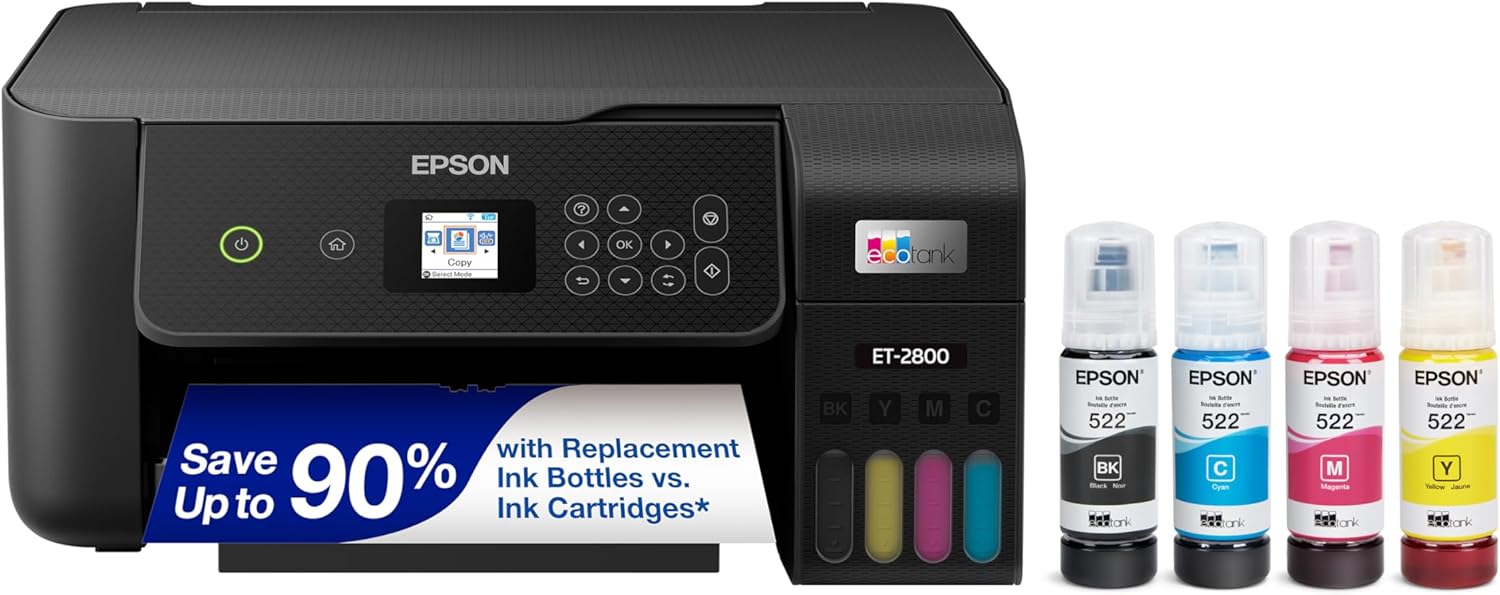 Epson EcoTank ET-2800
Check price
Epson EcoTank ET-2800
Check price
 Epson EcoTank ET-4800
Check price
Epson EcoTank ET-4800
Check price
 iDPRT Portable Printer
Check price
iDPRT Portable Printer
Check price
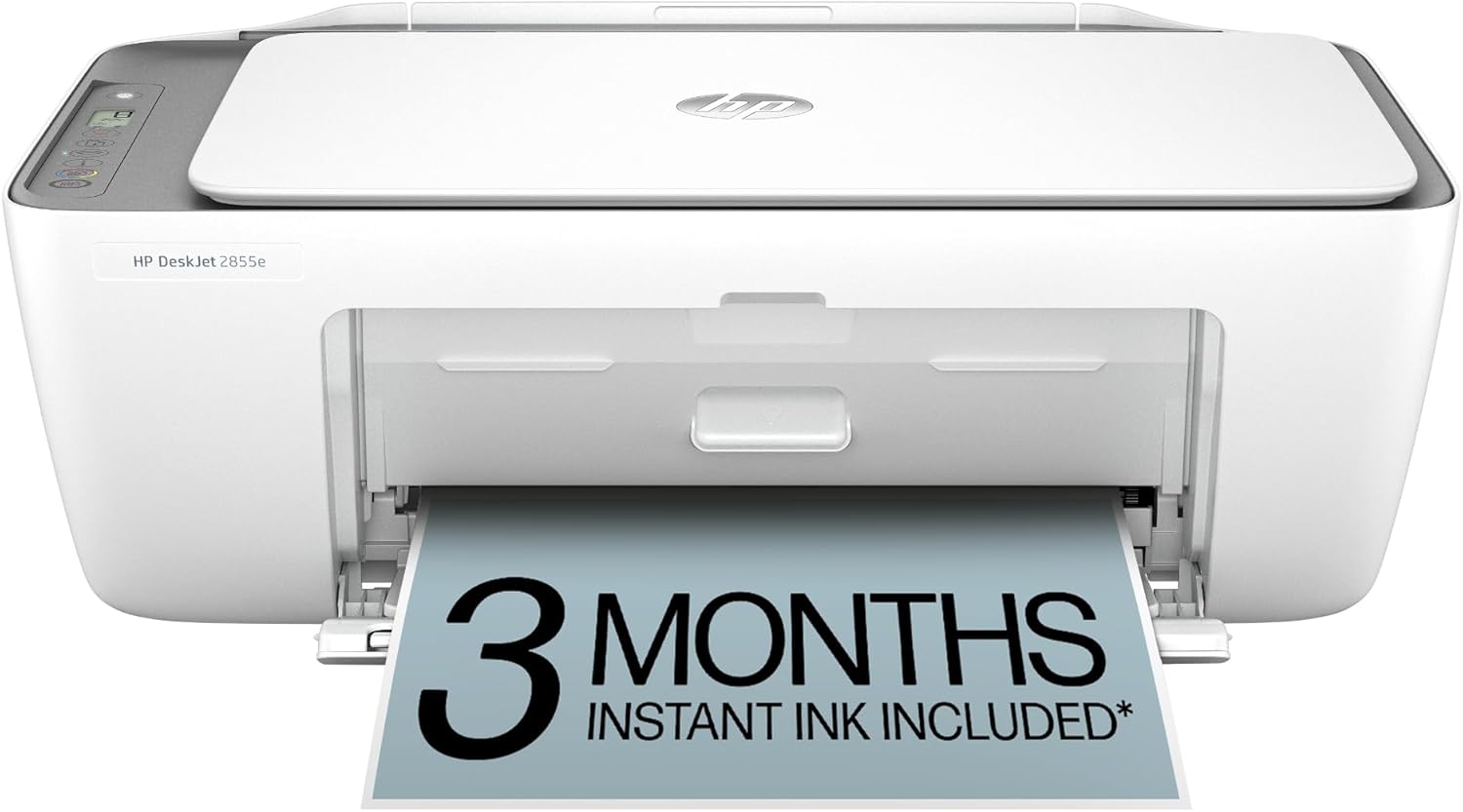 HP DeskJet 2855e
Check price
HP DeskJet 2855e
Check price
 Epson EcoTank ET-2803
Check price
Epson EcoTank ET-2803
Check price
 HP Smart Tank 5101
Check price
HP Smart Tank 5101
Check price
 Brother MFC-J1360DW
Check price
Brother MFC-J1360DW
Check price
 HP OfficeJet Pro 8125e
Check price
HP OfficeJet Pro 8125e
Check price
 HP Smart Tank 5000
Check price
HP Smart Tank 5000
Check price
 Canon MegaTank G3270
Check price
Canon MegaTank G3270
Check price
 Sponsored Ad – Amazon.com. Prices and availability may change.
Best Student Printers for 2026: Comparison
| Printer | Best for | Functions | Rated speed | Paper handling | Important limitation |
|---|---|---|---|---|---|
| Epson EcoTank ET-3950 | Frequent color printing | Print, scan, copy | Up to 18 black / 9 color ISO ppm | 250-sheet tray, ADF, auto duplex printing | High purchase price; no fax; verify local stock |
| Brother MFC-J4335DW | Discounted cartridge all-in-one | Print, scan, copy, fax | Up to 20 black / 19 color ISO ppm | 150-sheet tray, ADF, auto duplex printing | Brother marks it discontinued; no duplex scanning |
| Brother HL-L2460DW | Fast black text | Print only | Up to 36 ppm | 250-sheet tray, auto duplex printing | No color, scanner or copier |
| Brother MFC-L2820DW | Black-and-white all-in-one work | Print, scan, copy, fax | Up to 34 ppm | 250-sheet tray, 50-sheet ADF, auto duplex printing | Prints only in black and white |
| Canon PIXMA MG3620 | Occasional budget color | Print, scan, copy | About 9.9 black / 5.7 color ipm | Rear feed, auto duplex printing | Low-yield cartridges; no ADF or Ethernet |
| HP OfficeJet 250 Mobile | True mobile printing | Print, scan, copy | Up to 10 black / 7 color ISO ppm | 50-sheet input; sheet-fed scanning | Expensive for a low-volume printer; no auto duplex |
| Canon PIXMA G6020 | High-volume color and photos | Print, scan, copy | About 13 black / 6.8 color ipm | 350-sheet combined capacity, auto duplex printing | No fax or ADF; older model |
Epson EcoTank ET-3950: Best Overall for Frequent Color Printing
The Epson EcoTank ET-3950 is the strongest all-round choice for students who print color coursework every week. Epson rates it at up to 18 ISO ppm in black and 9 ISO ppm in color. The included ink is rated for up to 6,600 black or 5,500 color pages under the manufacturer's stated methodology.
Its 250-sheet tray reduces refills, while the ADF handles batches of pages for copying and scanning. Automatic duplex applies to printing; the product description does not establish automatic two-sided scanning, so buyers who digitize double-sided documents should verify that requirement separately. Wi-Fi, USB, AirPrint, Mopria and Epson's Smart Panel app cover common student devices.
Why it stands out
- Low refill frequency for mixed black and color work
- Fast enough for a home ink-tank printer
- ADF, 250-sheet tray and automatic duplex printing
- Useful mobile printing and scanning support
What to consider
- Substantially higher purchase price than basic inkjets
- No fax function
- Direct Epson availability was limited on the update date
- Ink-tank printers should not be left unused for long periods
Best fit: education, nursing, business, science, design and teacher-training students who regularly print charts, handouts, reports or teaching resources in color.
Brother MFC-J4335DW: Good Only at the Right Discount
The Brother MFC-J4335DW prints, scans, copies and faxes, supports automatic duplex printing, and uses front-loading INKvestment cartridges. Replacement cartridges are rated up to 3,000 black and 1,500 color pages in standard yield, or up to 6,000 black and 5,000 color pages with high-yield options under Brother's test standard.
It has a 150-sheet main tray—not the 250 sheets claimed in the supplied draft—and its ADF does not perform automatic duplex scanning. The more important 2026 issue is status: Brother labels the model discontinued. It can still be sensible when discounted by a reputable seller and when genuine LC406 supplies are readily available, but do not pay a premium for old stock.
Compare the final delivered price, warranty and supply availability with a current Brother model. A discontinued printer can remain serviceable for years, but future driver, warranty and consumable support should be checked before purchase.
Brother Monochrome Laser Picks for Text-Heavy Courses
Brother HL-L2460DW: best print-only workhorse
The Brother HL-L2460DW is the best choice here for students who print almost entirely in black and white. Brother rates it at up to 36 ppm, with automatic duplex printing and a 250-sheet tray. Dual-band Wi-Fi, Ethernet, Wi-Fi Direct and USB make it easier to use in a dorm, shared house or wired study room.
The printer ships with a starter toner rated at about 700 pages, while the drum is a separate consumable rated much higher. When comparing lifetime cost, include both toner and eventual drum replacement. Its major limitation is simple: it cannot scan, copy or print color.
Brother MFC-L2820DW: best monochrome laser all-in-one
The Brother MFC-L2820DW prints and copies at up to 34 ppm—not 33 or 36 ppm—and adds color scanning, copying and faxing. Its 50-sheet ADF speeds up multi-page work, and the 2.7-inch touchscreen provides print-from and scan-to cloud options where supported.
This model suits law, humanities, business and postgraduate research workloads where text quality and batch scanning matter more than color output. It is larger and more expensive than the HL-L2460DW, so the extra functions should solve a real need.
Canon PIXMA MG3620: Best for Occasional Budget Color
The Canon PIXMA MG3620 is compact, supports wireless print and scan, works with AirPrint and Mopria, and includes automatic duplex printing. Canon rates it at approximately 9.9 ipm for black documents and 5.7 ipm for color—faster in color than the 3 ppm figure in the original draft.
Its low purchase price hides the main compromise: small black and tri-color cartridges. If one color in the combined cartridge runs out, the cartridge may need replacement even when the other colors remain. That makes the MG3620 appropriate for occasional assignments and photos, not regular high-volume printing.
Best fit: students who need affordable color access a few times each month and can accept slower output, manual scanning and higher supply cost per page.
HP OfficeJet 250 Mobile: Best Portable All-in-One
The HP OfficeJet 250 Mobile is unusual because it can print, scan and copy while running from its rechargeable battery. HP rates it at up to 10 ISO ppm in black and 7 ISO ppm in color on AC power, and the battery can reach up to 90% charge in about 90 minutes while the printer is off under stated conditions.
At roughly 6.7 lb, it is portable compared with a desktop all-in-one, but it is not a pocket printer. Its 50-sheet input, sheet-fed scanning and lack of automatic duplex suit short mobile jobs rather than large course packs. Cartridge cost and the premium hardware price also make it a specialist purchase.
Buy it only for real mobility. If the printer will remain on one desk, a conventional ink-tank or laser model offers better paper handling and value. If you merely need compact size, measure a small desktop printer before paying for battery operation.
Canon PIXMA G6020 MegaTank: High-Volume Color Alternative
The Canon PIXMA G6020 MegaTank is rated for up to 6,000 black or 7,700 color pages per full ink bottle set. It prints at approximately 13 ipm in black and 6.8 ipm in color, supports automatic duplex printing, and offers a 250-sheet front cassette plus a 100-sheet rear tray.
The supplied draft incorrectly described it as a fax model. Canon lists printing, copying and scanning—not fax—and it has no automatic document feeder. It is therefore strongest as a high-volume color printer for reports, charts, worksheets and occasional photos, not as a batch-scanning office machine.
The G6020 is an older platform, so compare its delivered price and local ink supply with current Canon MegaTank models such as the G3270 or G3290. A discount can make the G6020 attractive, but age alone should not be mistaken for value.
Printer Maintenance and Cost-Saving Tips
- Print regularly with inkjets. A small color page every week or two can help prevent nozzles from drying during long periods of inactivity. Do not run unnecessary cleaning cycles; they consume ink.
- Use duplex and draft settings. Print on both sides for notes and drafts, choose grayscale when color is not needed, and use draft or economy mode for internal review copies.
- Preview before printing. Check page range, orientation, scale and blank trailing pages. Printing two lecture slides per sheet can reduce paper use while keeping text readable.
- Buy the correct genuine or verified supply. Match the exact cartridge, bottle, toner and region. Cheap incompatible supplies can produce poor output or warranty disputes; evaluate the risk before using them.
- Keep paper dry and aligned. Humidity, curled sheets and overfilled trays cause jams and poor feeding. Fan fresh paper lightly and set the guides without squeezing the stack.
- Update software cautiously. Use the manufacturer's support page for drivers and firmware, read release notes where available, and avoid unofficial download sites.
- Protect privacy. Clear stored jobs and address books before selling or disposing of a networked printer. Use a protected Wi-Fi network and change default administrative credentials.
- Recycle responsibly. Use manufacturer, retailer or local recycling programs for cartridges, toner bottles, drums and electronics instead of placing them in ordinary waste.
Final Recommendation
The Epson EcoTank ET-3950 is the best choice among these models for students who print color work regularly and can justify the higher purchase price. The Brother HL-L2460DW is the more economical and faster choice for text-only courses, while the Brother MFC-L2820DW adds useful scan, copy and fax functions. Choose the Canon PIXMA MG3620 only for light color use, the HP OfficeJet 250 for genuine mobile work, and the Canon PIXMA G6020 when discounted high-volume color output matters more than an ADF.
The best printer is not necessarily the newest or cheapest. It is the model whose supplies you can afford and obtain locally, whose paper and voltage match your region, and whose functions remove a real study bottleneck. For additional student technology ideas, see Top Study Gadgets for Students.
Frequently Asked Questions
What is the best printer for most students in 2026?
The Epson EcoTank ET-3950 is the best fit for students who print color work regularly. The Brother HL-L2460DW is better for mostly black-and-white essays and readings. Students who print only a few pages each month may save more by using campus facilities instead of buying a printer.
Should a student buy an inkjet or laser printer?
Choose an inkjet or refillable ink-tank printer for color diagrams, presentations and photos. Choose a monochrome laser for fast, sharp text and infrequent use without concern about liquid ink drying. Consider an all-in-one only if scanning or copying is genuinely required.
Are ink-tank printers worth the higher purchase price?
They can be worthwhile when you print regularly in both black and color because replacement bottles have high rated yields. They are less compelling for very light use. Compare the printer and expected supplies over the full ownership period rather than comparing hardware prices alone.
How do I calculate a printer's cost per page?
Divide the local price of a replacement cartridge, ink bottle or toner by its rated page yield, then add paper cost. Treat the result as an estimate because real pages vary in coverage and printers consume supplies during maintenance. Include drums or maintenance boxes where applicable.
Do I need a personal printer if my college has a library printer?
Not necessarily. Library printing can be cheaper for occasional jobs and avoids maintenance. A personal printer becomes useful when access hours, queues, privacy, distance or frequent printing create a recurring problem. Track your actual usage before deciding.
How can students reduce printing costs?
Use automatic duplex, draft mode and grayscale; preview page ranges; print multiple slides per sheet; choose high-yield supplies when the volume justifies them; and avoid unnecessary cleaning cycles. Subscription plans can help predictable users but may cost more when monthly volume fluctuates, so read rollover and cancellation terms.
Can I use a US printer in Ghana or another 220–240V country?
Do not assume so. Check the voltage and frequency printed on the exact printer or power adapter. Many US models are designed for 120V, while Ghana and numerous other countries use roughly 230V. Buying the correct regional model also improves warranty and supply compatibility.
Product facts and status were checked on August 14, 2026 using official pages for the Epson EcoTank ET-3950, Brother MFC-J4335DW, Brother HL-L2460DW, Brother MFC-L2820DW, Canon PIXMA MG3620, HP OfficeJet 250 Mobile and Canon PIXMA G6020. Recommendations weigh functionality, consumable model, desk space and product status; no independent print-quality, speed or cost-per-page testing is claimed.